
How to Test a Monitor for Dead Pixels, Banding and Backlight Issues
Testing a new display or a used monitor before buying? Use solid colors, gradients and dark screens to spot pixel defects, banding and uneven backlighting.
Key points
- Desktop elements and app windows make subtle defects harder to see.
- Display several bright and dark solid-color screens.
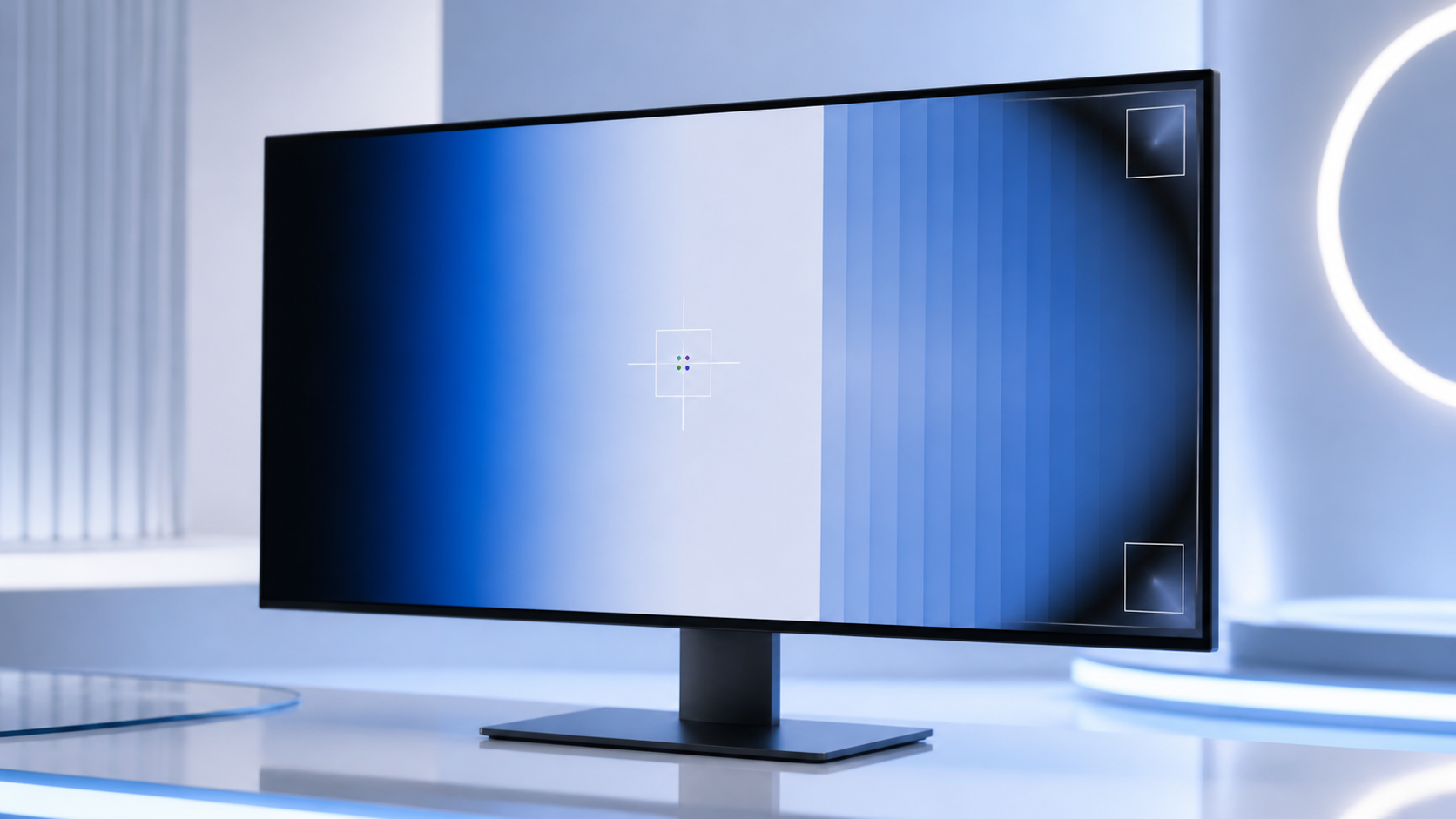
- A smooth gradient should transition as evenly as your display chain allows.
- A dark test screen can make uneven illumination easier to notice.
Quick overview
| Step | What to check |
|---|---|
| Why use full-screen test patterns? | Desktop elements and app windows make subtle defects harder to see. |
| Testing for pixel defects | Display several bright and dark solid-color screens. |
| How to check for banding | A smooth gradient should transition as evenly as your display chain allows. |
| Backlight uniformity on a dark screen | A dark test screen can make uneven illumination easier to notice. |
A practical step-by-step check
Start with repeatable conditions: use the panel’s native resolution, normal scaling, disable night-light filters and let the display warm up for a few minutes. Wipe the panel as well, because a small speck of dust can look surprisingly similar to a defective pixel. Full-screen patterns make it much easier to separate a panel issue from desktop elements, wallpaper or video compression.
A dead pixel usually stays dark, while a stuck pixel remains lit in one colour. Banding is different: it appears as visible steps or stripes in what should be a smooth gradient. Backlight uniformity is best checked on a dark image, but not under deliberately extreme conditions—maximum brightness in a pitch-black room can exaggerate effects that are barely visible in normal use.
- Why use full-screen test patterns?: Desktop elements and app windows make subtle defects harder to see.
- Testing for pixel defects: Display several bright and dark solid-color screens.
- How to check for banding: A smooth gradient should transition as evenly as your display chain allows.
- Backlight uniformity on a dark screen: A dark test screen can make uneven illumination easier to notice.
How to interpret what you see
If the problem appears only in one app or one video, compare another source and check the GPU output settings. When you suspect the panel itself, repeat the test after a restart and take a photo from a normal viewing distance. That gives you much better evidence for a retailer or support ticket than a single extreme close-up from a phone.
How to get a more reliable result
Repeat the check after reconnecting the device or restarting the app, but change only one variable at a time. If the symptom disappears on another browser or computer, settings or software may be involved. If the same behaviour follows the device across several environments, a hardware cause becomes more plausible. Note the test conditions instead of relying on memory.
Is your monitor working as it should?
Check for dead pixels, banding and other display issues directly on this page.
The most useful result comes from a calm, repeatable check and several observations rather than one isolated attempt.
Frequently asked questions
Does the test require installation?
No. ACC64 runs in a compatible browser without installing extra software.
Does a failed test always mean hardware is broken?
Not always. Repeat the test, check the connection and system settings, and if possible compare on another device or computer.
Should I repeat the test in another browser or on another computer?
Yes. If the result repeats in a second environment, it becomes much easier to rule out a temporary browser or system issue and focus on the device itself.