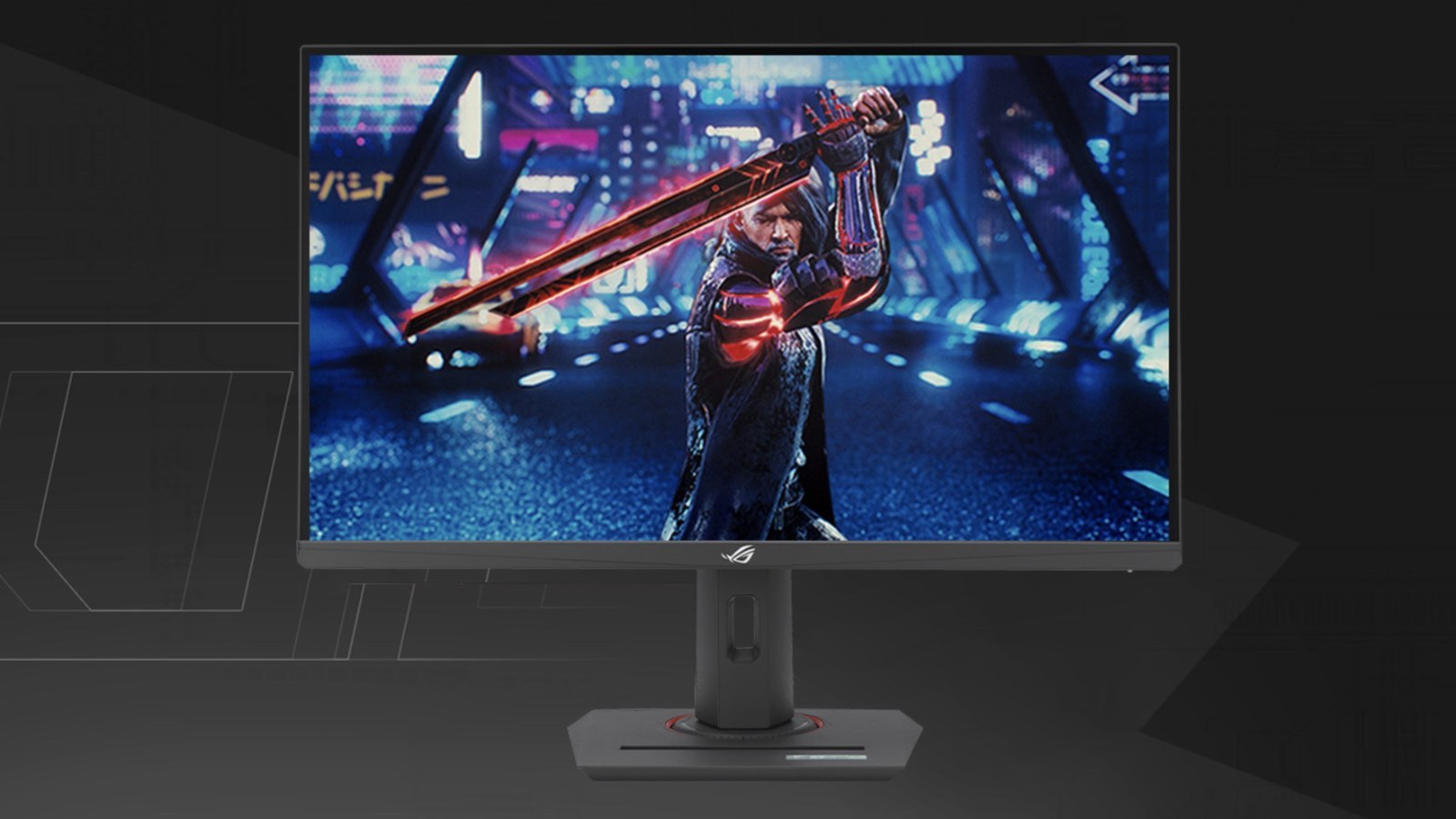
ASUS ROG Strix XG259QNSR Ace: what does the 420Hz esports monitor actually offer?
420Hz sounds like a number reserved for professional players. Here is what the specification means once the marketing is stripped away.
Key points
- ASUS has several fast monitors with very similar names.
- ASUS uses a familiar esports format: a 24.5-inch panel at 1920 × 1080.
- ASUS lists 115% sRGB, 90% DCI-P3, 400cd/m² typical brightness and a 1000:1 contrast ratio.
- The full refresh rate is available through DisplayPort 1.4.
Quick overview
| Step | What to check |
|---|---|
| First, the important detail: this is the 420Hz model | ASUS has several fast monitors with very similar names. |
| 24.5 inches, Full HD and Fast IPS | ASUS uses a familiar esports format: a 24.5-inch panel at 1920 × 1080. |
| Color and HDR: better than an old TN, but keep expectations realistic | ASUS lists 115% sRGB, 90% DCI-P3, 400cd/m² typical brightness and a 1000:1 contrast ratio. |
| 420Hz needs DisplayPort and a very fast PC | The full refresh rate is available through DisplayPort 1.4. |
First, the important detail: this is the 420Hz model
ASUS has several fast monitors with very similar names. The ROG Strix XG259QNSR Ace covered here reaches 420Hz when overclocked. It should not be confused with the XG248QSG Ace, a Super TN model rated at 610Hz. The official XG259QNSR Ace specification says 420Hz, and that is the figure used throughout this article.
The distinction matters because a single character in the product code can change the panel, maximum refresh rate and connectivity. Compare the full model number on the box or store page rather than relying on the Ace name alone.
24.5 inches, Full HD and Fast IPS
ASUS uses a familiar esports format: a 24.5-inch panel at 1920 × 1080. It is less detailed than a 27-inch 1440p display, but Full HD makes several hundred frames per second more realistic and keeps the whole screen comfortably within view.
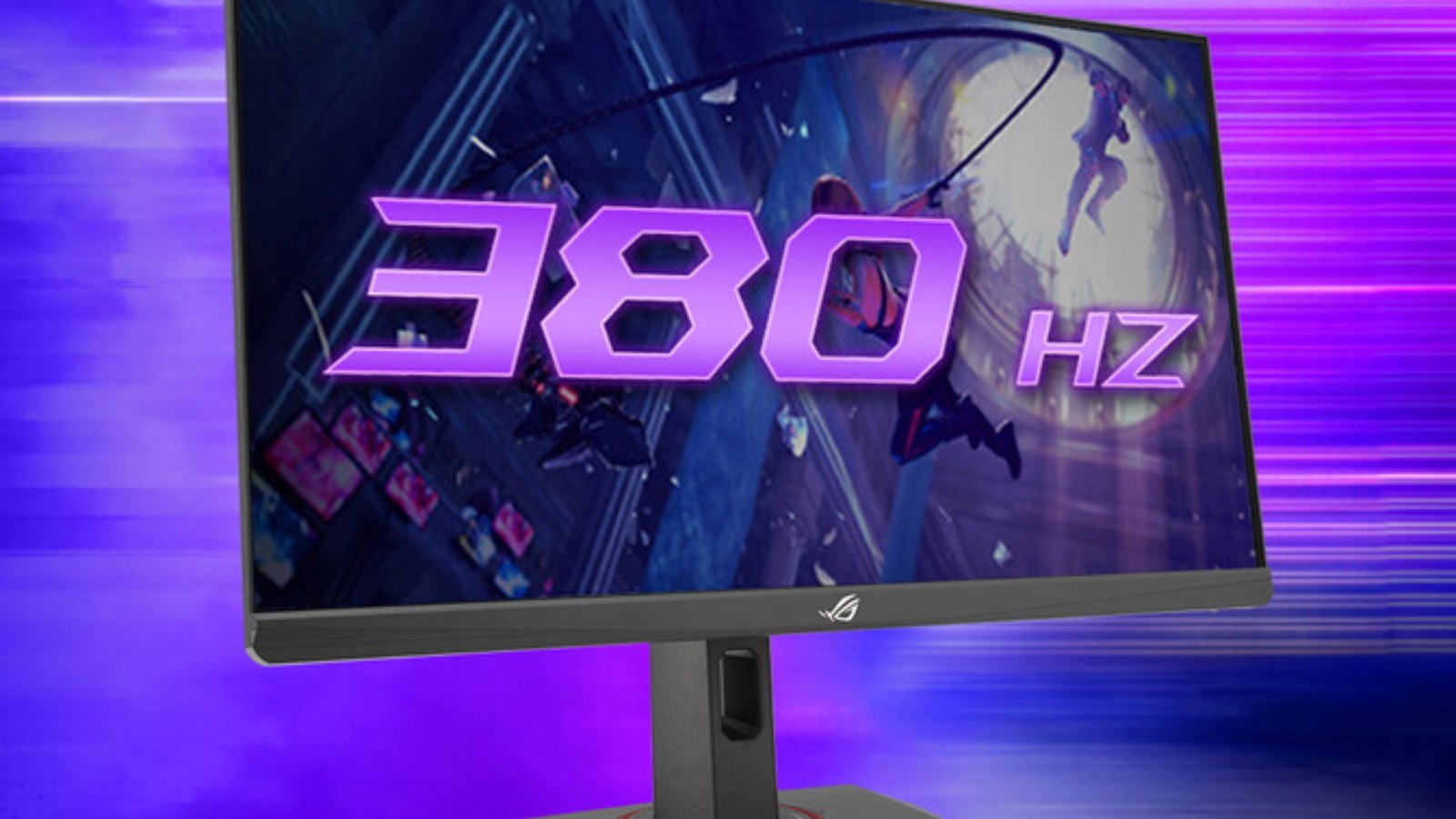
The Fast IPS panel is rated for 420Hz in OC mode, 1ms GTG and a 0.3ms minimum. “Minimum” is the key word. It does not mean every transition always completes in 0.3ms. Real motion quality depends on overdrive tuning, overshoot and how the monitor behaves across different frame rates.
Color and HDR: better than an old TN, but keep expectations realistic
ASUS lists 115% sRGB, 90% DCI-P3, 400cd/m² typical brightness and a 1000:1 contrast ratio. That is a sensible package for a fast IPS display and should make it more useful outside competitive games than traditional TN esports screens.
HDR10 support and DisplayHDR 400 certification do not turn it into a premium cinematic HDR monitor. There is no claim of advanced local dimming, while 1000:1 contrast remains typical IPS territory. HDR is a secondary feature here, not the reason to buy it.
420Hz needs DisplayPort and a very fast PC
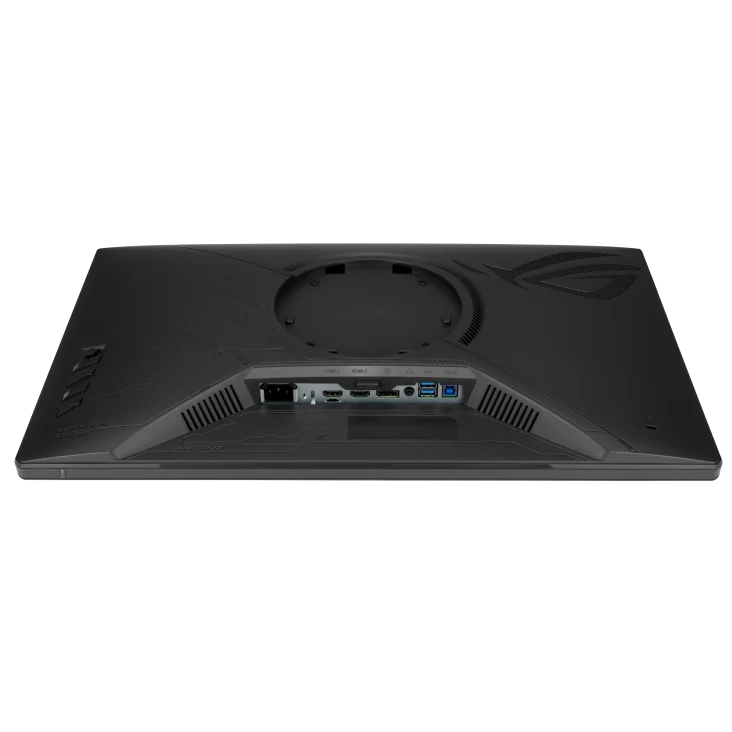
The full refresh rate is available through DisplayPort 1.4. According to ASUS, the two HDMI 2.1 TMDS inputs run up to 240Hz at Full HD. There are also two USB 3.2 Gen 1 Type-A ports and a headphone jack, but no USB-C.
Frame rate is the larger obstacle. A frame at 420Hz lasts about 2.38ms. At 240Hz it is 4.17ms and at 360Hz roughly 2.78ms. The jump from 60 to 144Hz is obvious; the difference between 360 and 420Hz is smaller and requires stable FPS plus low latency across the entire system.
ELMB Sync, VRR and settings you should not enable blindly
The monitor supports Adaptive-Sync, FreeSync Premium, ELMB Sync and variable overdrive. ELMB can improve motion clarity by controlling the backlight, but it may reduce brightness and is not automatically the best choice in every game. VRR is useful when frame rate fluctuates and tearing becomes visible.
There is no universal preset. A game locked near 400 FPS may benefit from different settings than one moving between 170 and 300 FPS. Compare multiple overdrive levels and watch for bright inverse-ghosting trails behind moving objects.
Who is it for?
The clearest audience is a competitive player focused on light esports titles, using a strong CPU and deliberately choosing Full HD. Players who mostly enjoy cinematic games may get a better balance from 1440p at 165–240Hz, trading a refresh-rate number for a sharper image.
The XG259QNSR Ace looks sensible as a fast IPS monitor, but its value will depend on price. Until reliable independent measurements are available, response-time and overdrive claims should be treated as manufacturer specifications rather than a complete review.
Is your monitor working as it should?
Check for dead pixels, banding and other display issues directly on this page.
Test the individual unit after connecting it
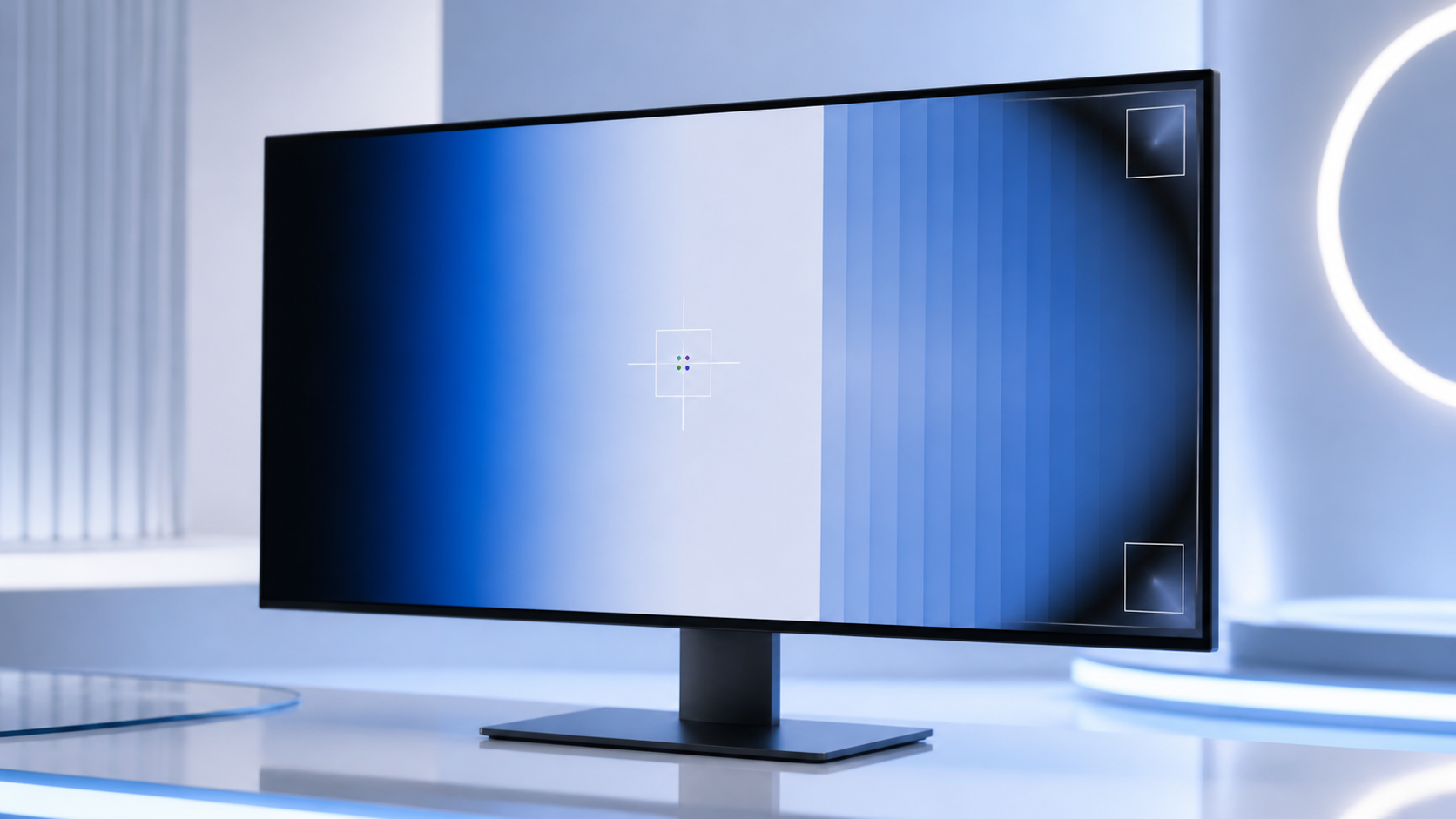
Use full-screen solid colors, gradients, a motion pattern and an approximate refresh-rate reading. This can reveal a dead pixel, banding, uneven backlighting or an overly aggressive overdrive setting.
Open the ACC64 monitor testSources and images
Specifications and product images come from the official ASUS ROG website and gallery. Maximum response-time and refresh-rate figures are manufacturer claims; actual results depend on settings and the connected computer.
420Hz sounds like a number reserved for professional players. Here is what the specification means once the marketing is stripped away. Official ASUS ROG specifications · official product gallery