How to pair Logitech G PRO X 2 with a new USB receiver
Lost or replaced the USB adapter for your Logitech G PRO X 2? The headset can be paired again, but only with a compatible PRO X 2 LIGHTSPEED receiver. Here is the official manual pairing sequence and what to check if Windows still has no sound.
Key points
- Do not buy a random LIGHTSPEED dongle. Logitech says the PRO X 2 headset must be paired with the specific receiver model intended for it.
- The official pairing order is: reconnect the adapter, remove the left earpad, long-press the headset pairing button, then press the adapter pairing button.
- Logitech G HUB is useful after pairing, but the headset-to-receiver pairing itself is described by Logitech as a manual paperclip-button procedure.
- If pairing succeeds but there is no sound, check Windows input/output devices before repeating the pairing process.
Quick answer
| Situation | What to do |
|---|---|
| Original receiver still works | Usually no re-pairing is needed. Reconnect the adapter and power the headset on. |
| You have a replacement PRO X 2 receiver | Use the manual pairing buttons on the headset and LIGHTSPEED adapter. |
| You have another Logitech LIGHTSPEED receiver | Do not assume it is compatible. Logitech states that each headset works with a specific receiver model. |
| Pairing completes but audio is missing | Select PRO X 2 LIGHTSPEED as the Windows output and microphone input device. |
Before you buy or pair a replacement receiver
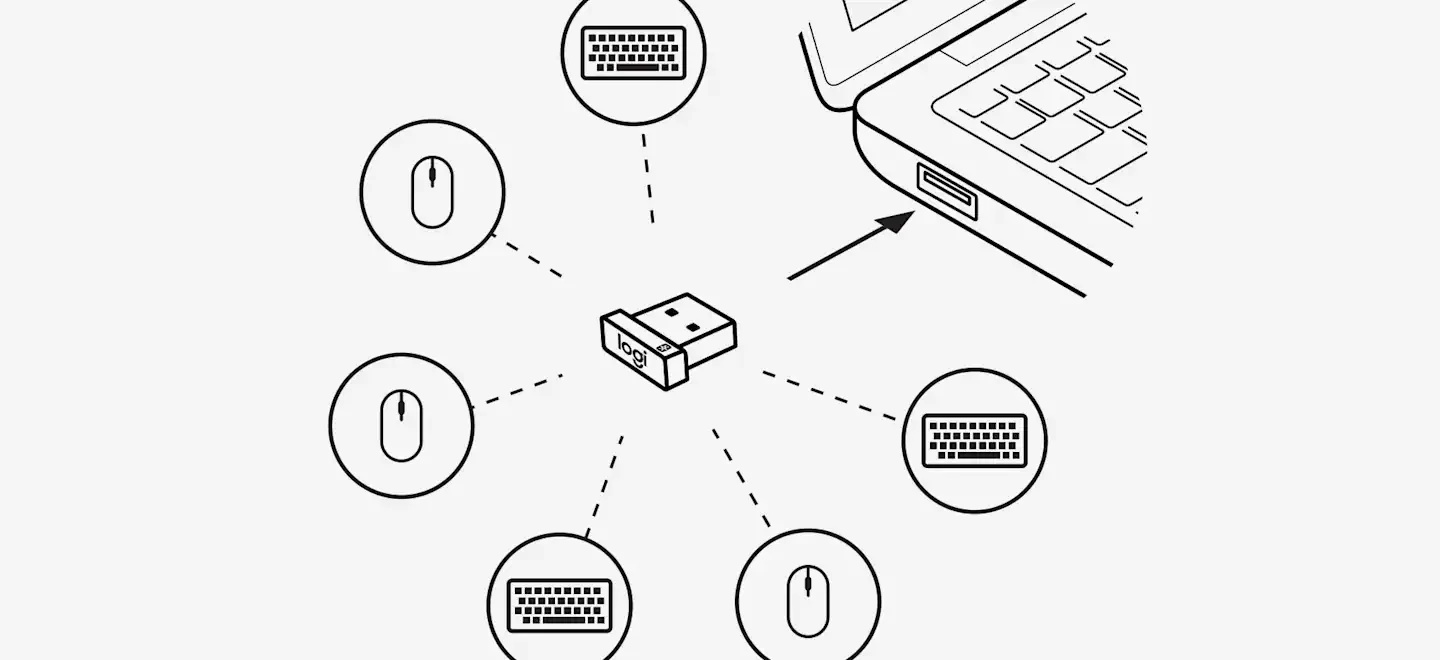
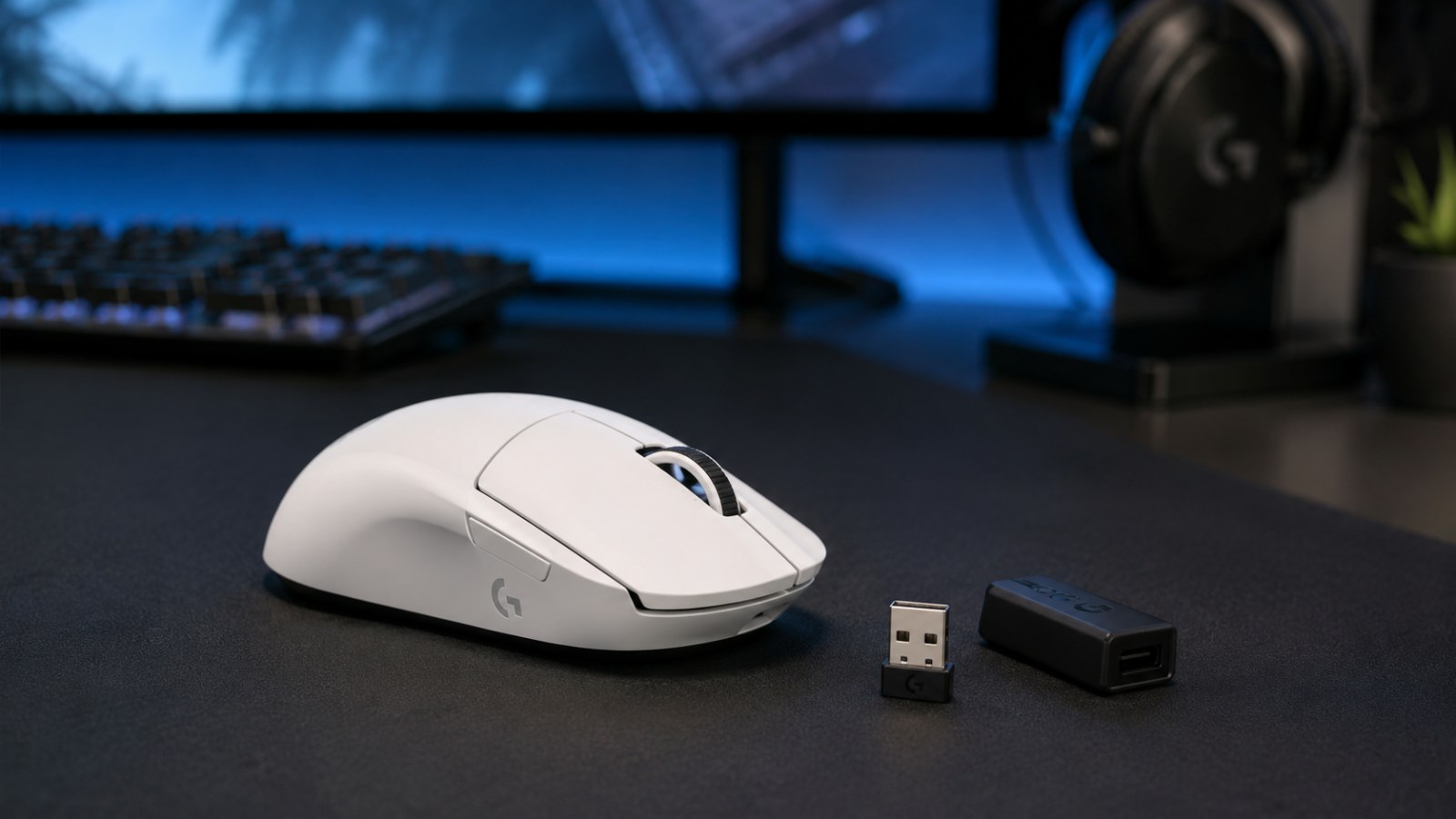
The most important step happens before you touch the pairing buttons: make sure the USB adapter is actually compatible with the Logitech G PRO X 2 LIGHTSPEED. LIGHTSPEED is a family of Logitech wireless products, not one universal receiver standard. A dongle from another headset, mouse, or keyboard may look similar and still be the wrong hardware.
Logitech's own support page for a lost or damaged PRO X 2 adapter says that each headset can only be paired with a specific model of receiver and recommends contacting Customer Care when you need a replacement. That makes compatibility more important than any software setting.
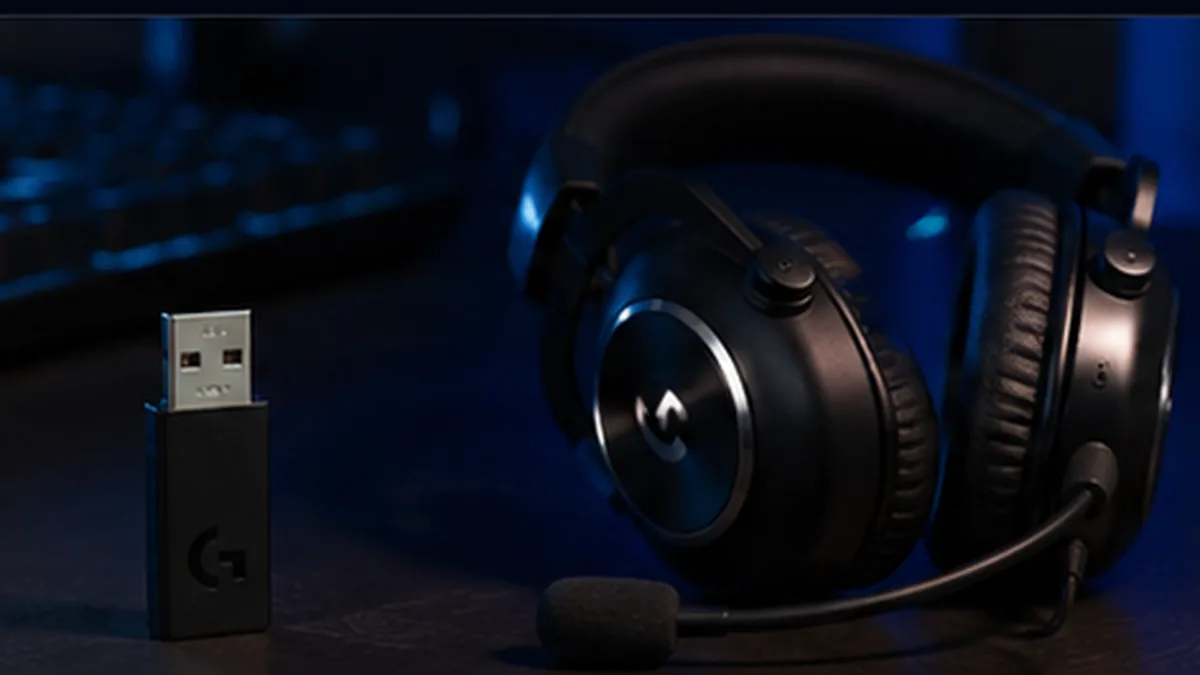
You can also identify the correct type by the original package description: PRO X 2 ships with a USB-A LIGHTSPEED wireless adapter with a 3.5 mm port. If the replacement adapter is physically different from the original or was advertised for a different Logitech product, verify it before spending time troubleshooting.
Also charge the headset before you start. A low battery can make troubleshooting confusing because you are trying to solve two problems at once. For the cleanest test, connect the receiver directly to a USB port on the computer rather than through a questionable hub or extension.
How to pair Logitech G PRO X 2 with a replacement LIGHTSPEED receiver
Logitech documents the pairing procedure in the PRO X 2 setup guide. The order below follows that guide rather than relying on a generic LIGHTSPEED pairing method.
1. Reconnect the LIGHTSPEED adapter
Plug the compatible PRO X 2 LIGHTSPEED adapter into the computer. If it is already connected, unplug it and plug it back in. This is the first step in Logitech's pairing instructions.
2. Remove the left earpad cushion
Carefully remove the cushion from the left earcup. The pairing button is hidden under this earpad, so you do not need to disassemble the headset or remove screws. Work gently around the cushion so you can refit it cleanly afterward.
3. Long-press the headset pairing button
Use a straightened paperclip or similarly thin, blunt tool to reach the headset pairing button. Logitech specifically instructs users to long press this button. Do not force the tool into unrelated openings and do not press harder than necessary.
4. Press the pairing button on the LIGHTSPEED adapter
With the headset in pairing mode, use the paperclip to press the small pairing button on the wireless adapter. This is the final button step in Logitech's official sequence.
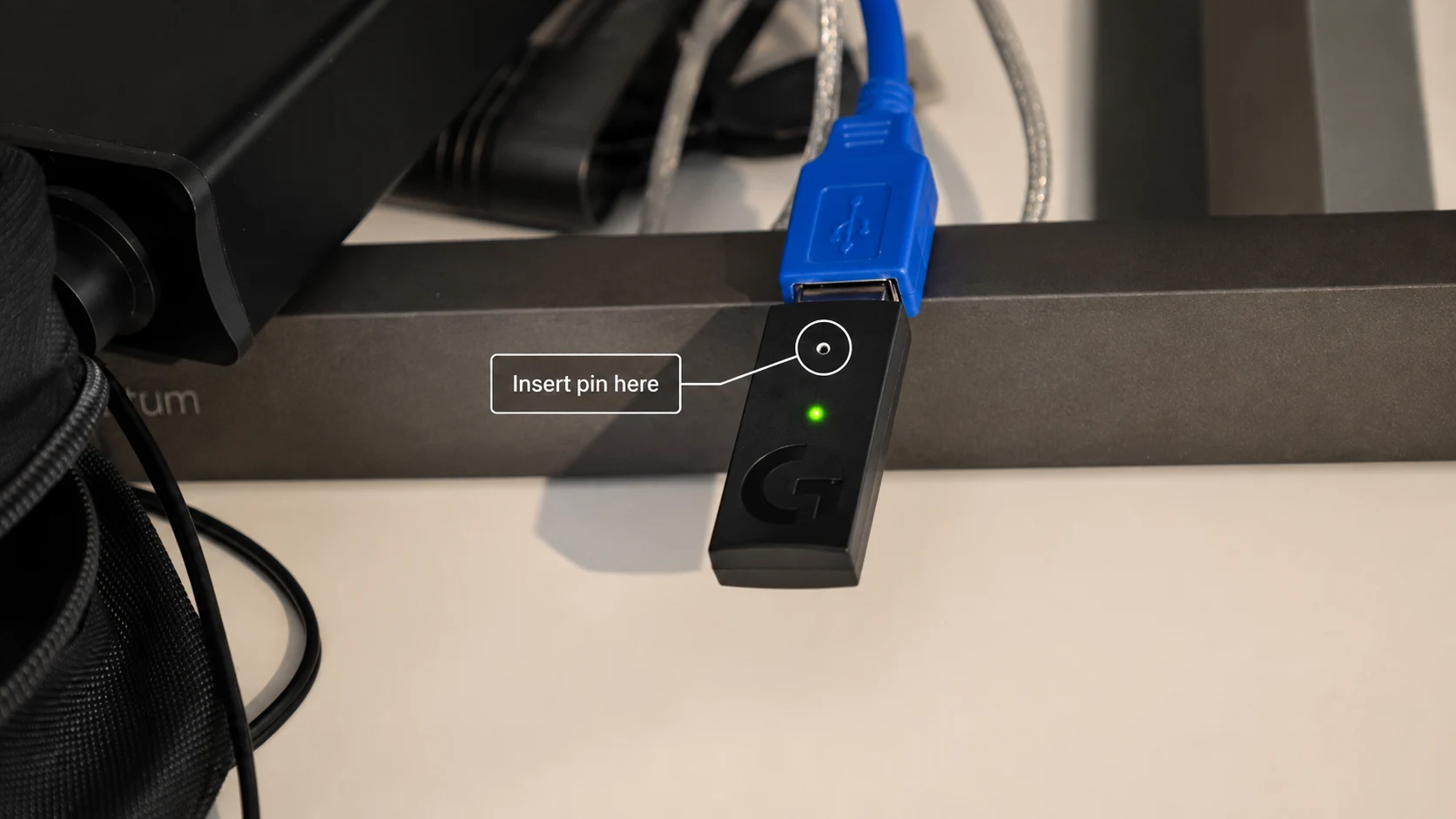
5. Give the devices a moment to establish the link
After both pairing buttons have been activated, leave the headset and adapter close to each other and avoid unplugging them immediately. Logitech's setup guide does not specify a fixed 10- or 15-second countdown, so there is no need to chase an exact timer. Once the link is established, test audio and microphone operation in Windows.
How to check whether pairing actually worked
A successful wireless link is only half of the setup. Windows can still send sound to your monitor, speakers, Bluetooth headphones, or an old audio device. Open Windows sound settings and check that Speakers (PRO X 2 LIGHTSPEED) is selected for output and Microphone (PRO X 2 LIGHTSPEED) is selected for input. Logitech shows these device names in its PC setup instructions.
Then play a short audio sample and speak into the microphone. If the headset appears in Windows and both channels work, there is usually no reason to repeat the receiver pairing. Repeating pairing over and over when the real problem is the selected output device can waste a lot of time.
Paired, but there is still no sound
If Windows detects the PRO X 2 but audio is silent, work through the audio path before resetting anything. Confirm the Windows output device, then check the output device inside the game, Discord, browser, or other application you are using. Some programs keep an old audio device selected even after Windows changes its system default.
Make sure the headset is in LIGHTSPEED mode, not Bluetooth mode. PRO X 2 supports LIGHTSPEED, Bluetooth, and 3.5 mm wired audio, and the Bluetooth/LIGHTSPEED button switches between the two wireless modes. Logitech notes that the indicator is blue for Bluetooth and cyan for LIGHTSPEED.
Also remember that the USB-C cable included with the headset is for charging only; Logitech's setup guide states that audio is not played over that USB charging cable. If you plug the headset in by USB-C and expect it to become a wired USB headset, you can easily misdiagnose a perfectly good receiver.
G HUB is optional for basic Windows operation, but it is useful for firmware, Blue VO!CE features, and device settings after the headset is recognized. If G HUB does not see the headset, first confirm that Windows sees the PRO X 2 through the LIGHTSPEED adapter.
If the PRO X 2 still will not pair
Start by repeating the official four-step pairing sequence once, slowly. Reconnect the adapter, remove the left cushion, long-press the headset pairing button, and then press the receiver pairing button. Use a different USB port if the adapter itself is not being detected by the PC.
If nothing changes, the next suspect is receiver compatibility. A receiver from a different Logitech headset is not automatically a substitute just because it uses LIGHTSPEED branding. Logitech's support guidance is explicit that a PRO X 2 needs the appropriate receiver model.
Do not use Logitech Unifying or Logi Bolt software for this headset. Those receiver systems are intended for other Logitech device families. Likewise, G HUB's feature for pairing two LIGHTSPEED devices to one receiver applies to supported mice and keyboards; Logitech notes that this two-device feature does not work with headsets.
If you have the correct replacement receiver and the manual procedure still fails on more than one USB port, contacting Logitech Support is the sensible next step. At that point the issue may be the receiver, headset radio, or a hardware fault rather than a missed software setting.
LIGHTSPEED vs Bluetooth: which connection are you fixing?
The replacement USB receiver is only relevant to LIGHTSPEED. Bluetooth pairing is a separate process and does not repair or replace the LIGHTSPEED link. If your PRO X 2 works with a phone over Bluetooth but not with the USB adapter on a PC, that is useful diagnostic information: the headset powers on and its Bluetooth radio works, while the problem is isolated to the LIGHTSPEED path or the computer setup.
For Bluetooth, Logitech instructs users to switch the headset to Bluetooth mode and hold the Bluetooth/LIGHTSPEED button until the LED flashes rapidly blue, then finish pairing on the Bluetooth device. That is different from the paperclip procedure used to pair the headset with its LIGHTSPEED adapter.
FAQ
Can I pair Logitech G PRO X 2 with any LIGHTSPEED receiver?
No. Logitech says each headset can only be paired with a specific receiver model. Buy or request a receiver confirmed for the PRO X 2 rather than assuming another LIGHTSPEED dongle will work.
Do I need Logitech G HUB to pair a replacement PRO X 2 receiver?
The official PRO X 2 setup guide describes a manual pairing procedure using the hidden pairing button under the left earpad and the pairing button on the LIGHTSPEED adapter. G HUB is useful for additional headset features, but it is not the pairing method described in that guide.
Where is the pairing button on the PRO X 2 headset?
It is under the left earpad cushion. Logitech instructs you to remove the left cushion and use a paperclip to long-press the headset pairing button.
Why does the headset connect but Windows still plays sound through my monitor?
Wireless pairing and Windows audio routing are separate. Set PRO X 2 LIGHTSPEED as the output device in Windows and, if necessary, inside the individual game or application.
Can I use a Logitech Unifying or Bolt receiver?
No. Unifying and Bolt are different Logitech receiver ecosystems. They are not replacements for the dedicated PRO X 2 LIGHTSPEED headset adapter.
Can the USB-C charging cable carry audio?
No. Logitech's PRO X 2 setup guide states that the USB-A to USB-C cable is for charging and that audio does not play through it.
Official Logitech references
This guide follows Logitech's own documentation. You can compare the steps with the PRO X 2 setup guide and Logitech's replacement receiver compatibility note.
Use a receiver made for the PRO X 2, reconnect it, remove the left earpad, long-press the headset pairing button, and then press the adapter pairing button. If the headset appears in Windows afterward, check the selected input and output devices before trying to pair it again.
Logitech receiver guides
Not every Logitech USB receiver uses the same wireless system. Use the guide that matches the problem you are trying to solve: