
Logitech Unifying: how to pair a mouse or keyboard with a USB receiver
Lost the original receiver, bought a replacement, or want to add another mouse or keyboard? A compatible Logitech Unifying device can be paired again, but first make sure it actually uses Unifying rather than Logi Bolt or LIGHTSPEED.
Key points
- Look for the orange Unifying logo on the device or receiver. A Logitech logo by itself does not confirm compatibility.
- Unifying, Logi Bolt, and LIGHTSPEED are different wireless systems, and their receivers are not interchangeable.
- For supported devices, Logitech now recommends Logi Options+ for adding a device to a Unifying receiver.
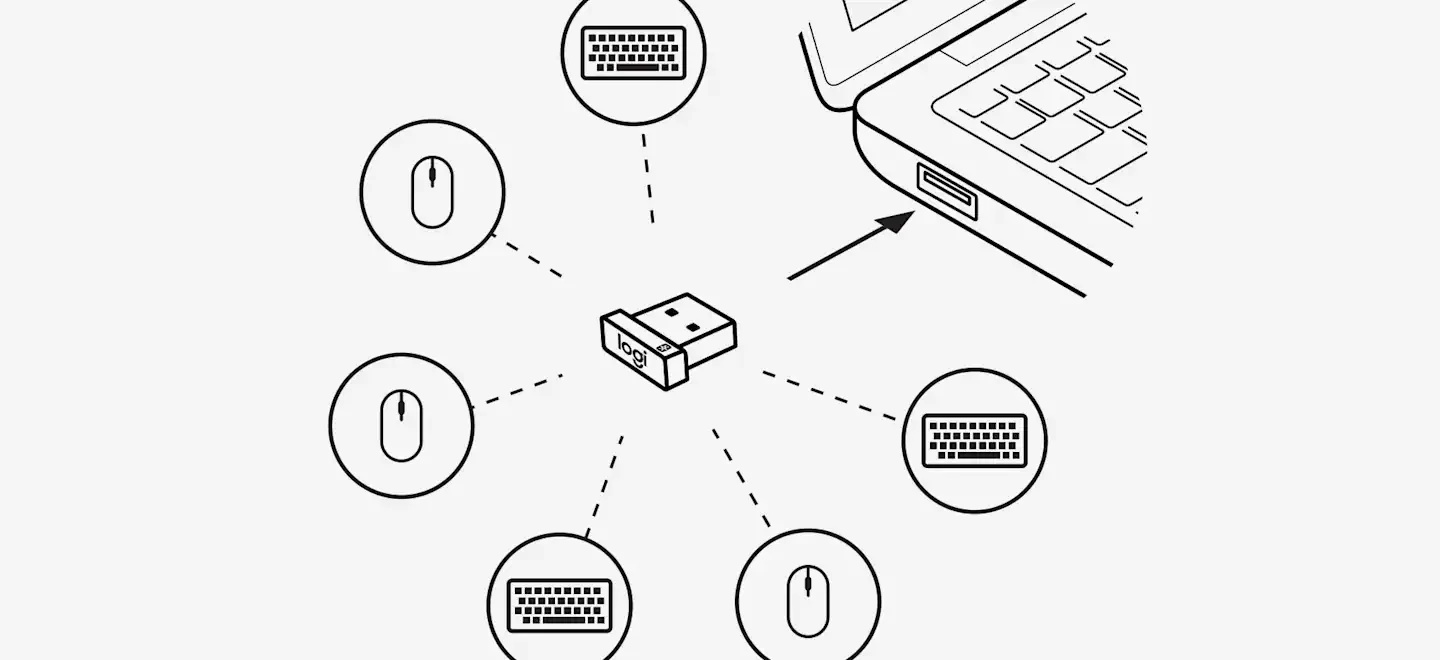
- A single Unifying receiver can handle up to six compatible Logitech mice and keyboards.
- After pairing, test the mouse buttons, scroll wheel, or every keyboard key so you do not mistake a hardware fault for a receiver problem.
Unifying vs. Logi Bolt vs. LIGHTSPEED
| System | Where you usually see it | Works with a Unifying receiver? |
|---|---|---|
| Logitech Unifying | Many older and still widely used Logitech office mice and keyboards | Yes, when the device is marked as Unifying-compatible |
| Logi Bolt | Newer productivity and business devices | No — it requires a compatible Bolt connection or Bluetooth |
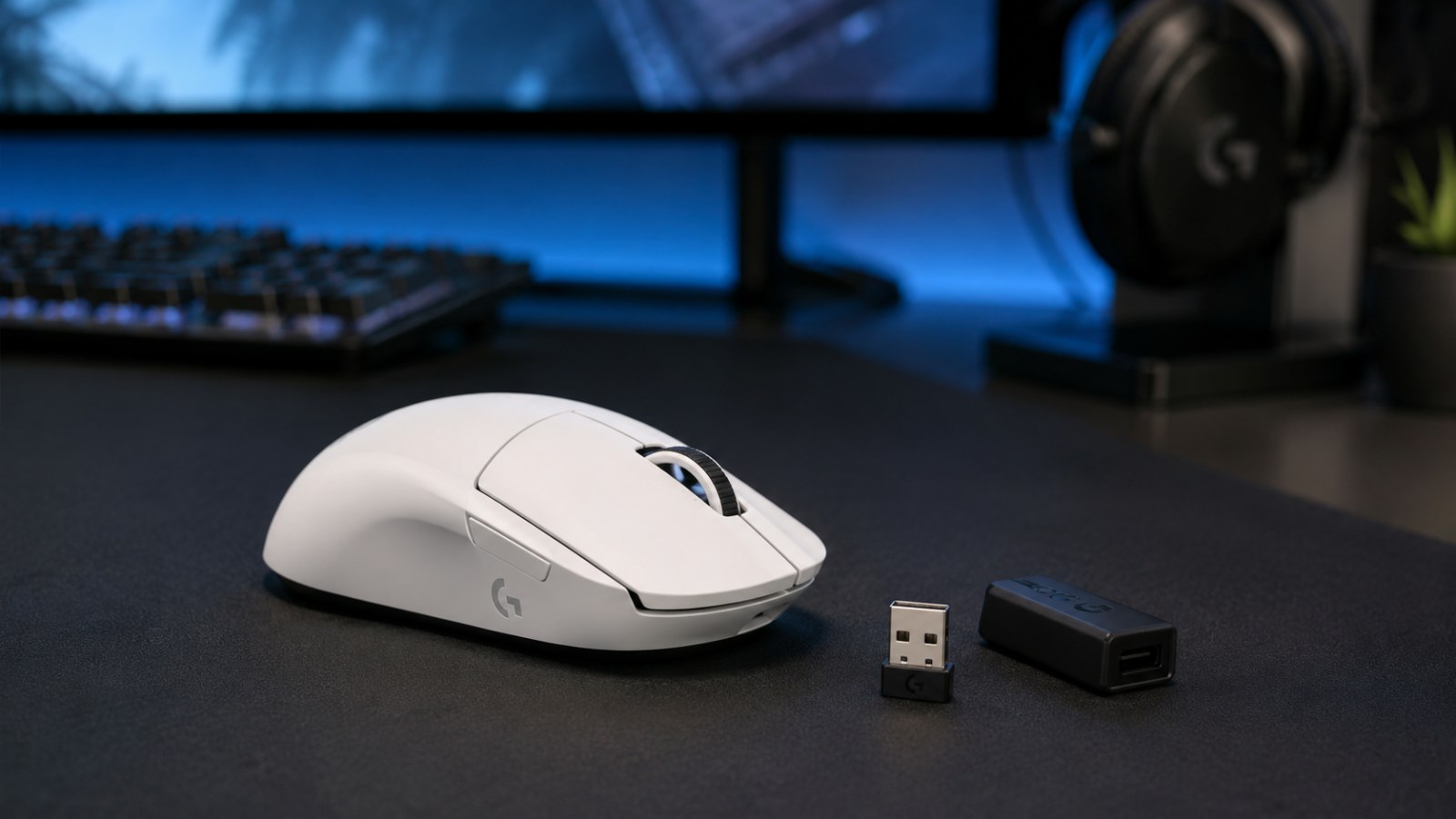
| LIGHTSPEED | Logitech G gaming gear | No — it uses a different receiver and pairing system |
First, make sure the device actually supports Unifying
This is the step that prevents most wasted time and incorrect replacement-receiver purchases. Logitech USB receivers can look very similar, but that does not mean every Logitech receiver can be paired with every Logitech mouse or keyboard. For Unifying, look for the small orange symbol that resembles a sun or star. Logitech uses that mark to identify compatible Unifying hardware.
If the mouse or keyboard is labeled Logi Bolt, it belongs to a different wireless system. The same applies to many Logitech G gaming products that use LIGHTSPEED. Trying the pairing process repeatedly will not make two different receiver standards become compatible.
What if there is no obvious logo?
Check the exact model number on the bottom of the device, inside the battery compartment, or in your operating system, then look up that model on Logitech Support. This is safer than buying a receiver simply because it looks right. Older hardware can have tiny markings, while third-party marketplace listings may use “Logitech receiver” as a broad description even when the receiver is not Unifying.
Can you connect MX Keys to a Unifying receiver?
It depends on the exact MX Keys version. Do not rely on the product-family name alone: check the model label and the wireless-system marking. If your exact MX Keys variant is listed as Unifying-compatible, it can be paired with a compatible Unifying receiver. If it uses Logi Bolt instead, a Unifying receiver will not pair with it.
The same rule applies when replacing a lost dongle: match the wireless standard first, then run the pairing process. Pairing software cannot bridge Unifying, Logi Bolt and LIGHTSPEED.
How to pair a Logitech Unifying mouse or keyboard, step by step
For supported hardware, Logitech currently directs users to Logi Options+. The exact screens can change with app updates, but the basic process is straightforward.
- Plug the Unifying receiver directly into a USB port.
For pairing, use a port on the computer if possible instead of a hub, dock, or long extension cable. Windows or macOS should recognize the USB receiver automatically. - Open Logi Options+.
Choose the option to add a device, then select the Unifying receiver connection type. If the app can see the receiver, continue with the on-screen instructions. - Turn on the mouse or keyboard.
If it is already on, switch it off for a few seconds and turn it back on. Power-cycling is part of the discovery flow used by many Unifying devices. - Wait for the correct device to appear.
When Logi Options+ finds your mouse or keyboard, confirm the pairing. Keep the receiver connected until the process is complete. - Verify that input works normally.
Move the mouse, click several times, or type a short sentence. Do not treat the job as finished until the device responds consistently.
You can repeat the process for additional compatible devices. Logitech says one Unifying receiver can connect up to six compatible mice and keyboards, which can free up USB ports on a desktop or laptop.
What about the old Logitech Unifying Software?
You will still find older tutorials that tell you to download Logitech Unifying Software. That advice made sense for years because the standalone utility was Logitech's main tool for assigning devices to a Unifying receiver. Logitech now states that Unifying Software is no longer supported or maintained and recommends Logi Options+ for supported devices.
This matters when you are following an old guide with screenshots of a “Next” button or a different pairing wizard. The underlying idea is similar, but the current app and available options may look different. If you have a very old mouse or keyboard that is not supported in Options+, check the official support page for the exact model rather than installing an old utility from an unofficial download site.
Is your mouse working as it should?
Check clicks, the scroll wheel and buttons in a few moments — no software to install and no need to leave this page.
If the Unifying receiver does not detect the device
A failed pairing attempt does not automatically mean the receiver is dead. Before buying another one, run through these checks:
- Confirm compatibility again. Make sure the device itself supports Unifying and that the receiver is genuinely a Unifying receiver.
- Try another USB port. Connect the receiver directly to the computer and temporarily remove hubs or adapters from the chain.
- Replace the battery or charge the device. Low power can make detection unreliable during pairing.
- Switch the mouse or keyboard off and back on. Then restart the add-device flow in Logi Options+.
- Restart the computer. This can help when the operating system sees the USB receiver but the pairing app does not.
- Test on another computer. If the same issue follows the receiver and device to a second PC, it is easier to separate a hardware problem from a local software issue.
If the receiver came from a different Logitech set but is a genuine Unifying receiver, it is not necessarily permanently tied to the original mouse or keyboard. What matters is Unifying compatibility and completing the pairing process correctly.
After pairing, check whether the original problem is really gone
Seeing the pointer move or typing a few letters is not always enough. If you replaced the receiver because the mouse disconnected, double-clicked, or the keyboard skipped characters, do a short functional test after pairing.
For a mouse, check left and right click, middle click, the scroll wheel, and any side buttons. Drag an item while holding the button and see whether the hold drops unexpectedly. For a keyboard, go through all keys and watch for missed presses or a single press producing two characters.
If exactly the same fault remains after a clean pairing with a known-good receiver, the problem may be inside the mouse or keyboard rather than the USB receiver.

Before changing settings, reproduce the symptom in the tester. This makes it easier to compare the device before and after each change.
This article belongs to a topic cluster. See the other guides and the online tester for this device.
FAQ: Logitech Unifying
Does every Logitech USB receiver work with every Logitech mouse or keyboard?
No. Logitech uses several wireless systems. Unifying, Logi Bolt, and LIGHTSPEED receivers are not interchangeable. Check the exact device model and wireless-system logo before buying a replacement.
How many devices can one Unifying receiver connect?
Up to six compatible Logitech Unifying mice and keyboards can be paired to one receiver.
Can I use a Unifying receiver from another Logitech set?
Usually yes, as long as it is a genuine Unifying receiver and your device is also Unifying-compatible. You will need to pair the device to that receiver.
Do I still need Logitech Unifying Software?
Logitech says the standalone Unifying Software is no longer supported or maintained. For supported devices, Logitech recommends Logi Options+.
Why does Logi Options+ not see my mouse or keyboard?
Start by confirming Unifying compatibility. Then try another USB port, connect the receiver directly, charge the device or replace its battery, power-cycle it, and restart the add-device process.