
Razer Kraken – what makes this popular gaming headset family stand out?
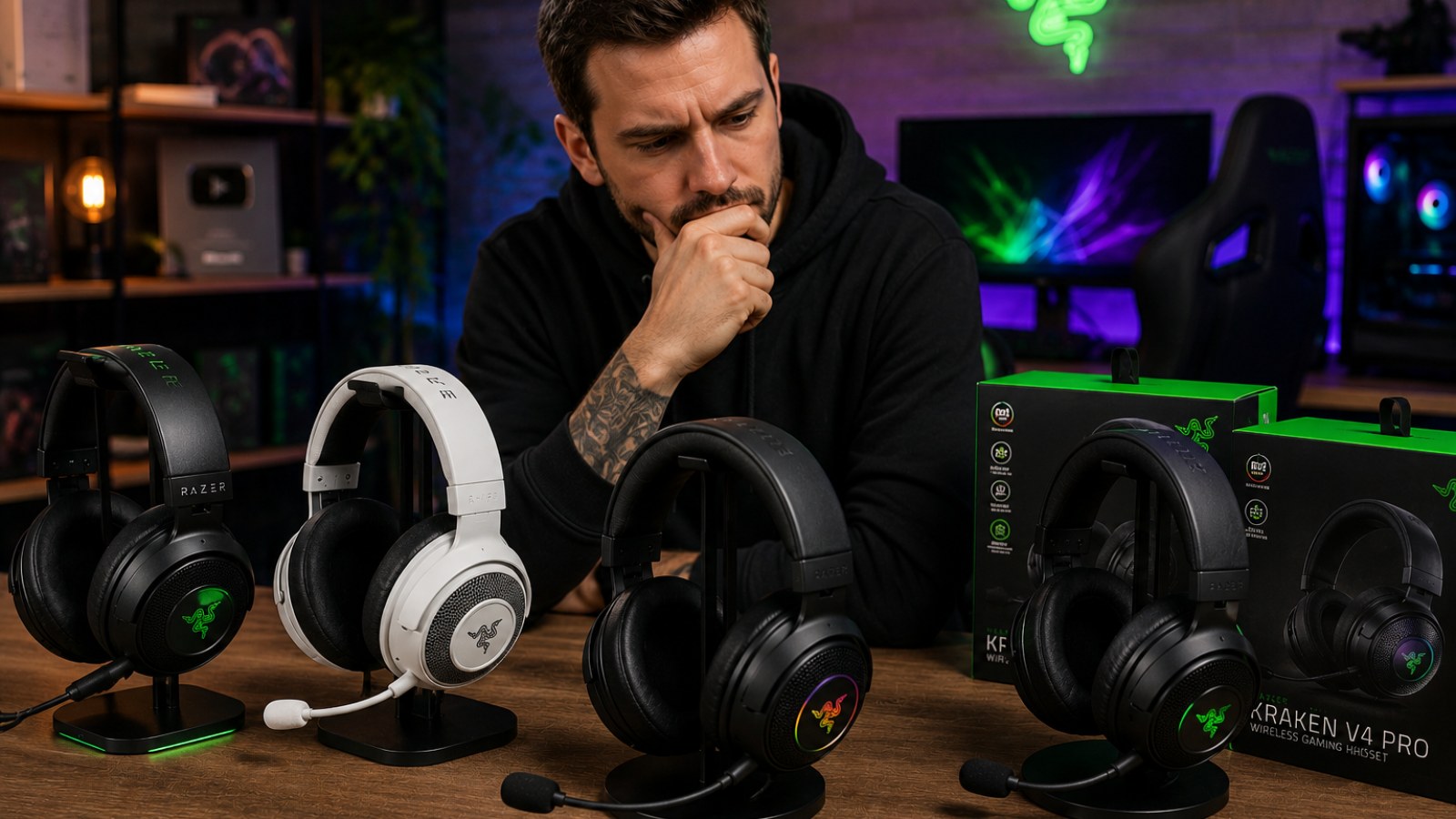
Razer Kraken is one of the most recognizable names in gaming headsets, but the badge covers a broad family rather than one fixed design. Here is what defines the Kraken approach, why the series became popular, and what you should actually compare before choosing a particular model.
Key takeaways
- Kraken headsets are built primarily around gaming, voice chat and extended desktop or console sessions.
- Connectivity, microphone design, platform support and software features can vary considerably between Kraken models.
- The large over-ear format is a defining feature of the family, although fit remains highly personal.
- Buying by the Kraken name alone is risky: the exact model and connection type matter.
What to compare between Razer Kraken models
| Feature | Why it matters |
|---|---|
| Connection | Affects compatibility, convenience and available features. |
| Microphone | Important for gaming communication and everyday calls. |
| Earcups and headband | Directly affect comfort during long sessions. |
| Platform support | Features may differ between PC and consoles. |
| Software features | Depending on the model, these can include EQ, spatial processing and microphone controls. |
Why has Razer Kraken become such a recognizable gaming headset?
A headset designed to look and function like gaming equipment
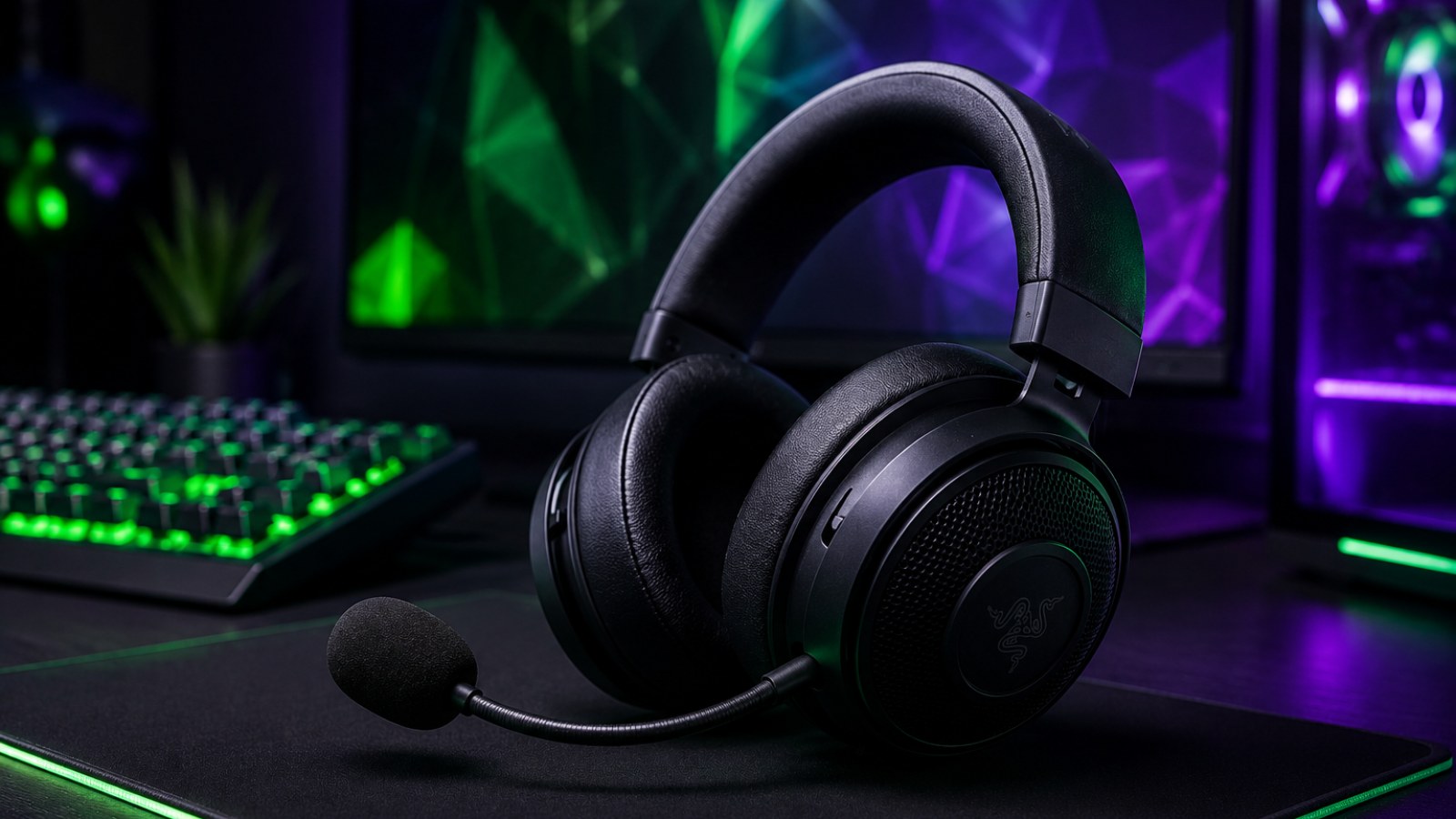
The Kraken family represents a familiar gaming-headset formula: substantial earcups, an over-ear fit and an integrated boom microphone for team communication. Razer has used the Kraken name across multiple generations and configurations, so it should be understood as a product family rather than a single headset with one permanent specification. Depending on the version, buyers may encounter wired analog, USB or wireless approaches alongside different software and audio features.
That consistency of purpose is a major reason the name is so familiar. Kraken models generally prioritize a complete gaming setup rather than the discreet appearance of portable headphones. You get headphones and a communication microphone in one device, reducing the need for a separate desktop mic and making the headset easy to move between games, voice chat and other everyday PC tasks.
- Full-size over-ear gaming design.
- Integrated microphone for voice communication.
- Multiple versions designed around different platforms and connection methods.
How does the Kraken approach gaming audio?
Immersion matters, but competitive clarity still depends on the setup
Gaming headsets do not necessarily chase the same tuning goals as headphones intended for neutral monitoring. Games contain explosions, engines, environmental effects, dialogue, music and positional cues, and a gaming-oriented headset needs to make that mixture engaging without making important information disappear. The precise tonal balance varies between Kraken models, so claims about one version should not automatically be applied to every headset carrying the name.
Competitive gaming introduces another variable: positional information. Hearing footsteps clearly is only part of the problem; the player also needs to judge direction and distance. Headphones influence this, but so do the game's audio engine, Windows or console settings and any spatial processing in use. Running multiple virtual-surround systems at the same time can produce excessive processing, unusual reverberation or less precise positioning.
A useful troubleshooting method is therefore simple: compare plain stereo with one spatial-audio solution at a time. If stereo provides cleaner directionality, there is no requirement to use surround simply because the option exists. Equalization can also help tailor a particular Kraken model, but settings should be adjusted by listening rather than copied blindly from a different model.
- Compare stereo and spatial modes in the games you actually play.
- Avoid stacking several virtual-surround processors.
- Treat EQ presets for different Kraken models as starting points, not universal settings.
Comfort and build – why the over-ear design matters
Large earcups can be comfortable, but fit is individual
The visual identity of the Kraken family is closely tied to its large over-ear earcups. With a suitable fit, the cushion surrounds the ear instead of pressing directly against it. That can be beneficial during longer sessions and can provide some passive separation from surrounding noise. Comfort, however, depends on head shape, ear size, cushion material, clamping force and the exact headset generation.
Size also has a trade-off. A substantial gaming headset will feel very different from lightweight earbuds or compact portable headphones. Weight figures alone do not tell the whole story because distribution matters: a well-padded headband can make a larger headset feel comfortable, whereas pressure concentrated around the jaw or temples can become irritating quickly.
Glasses wearers should pay particular attention to cushion pressure around the arms of their frames. It is also worth checking whether replacement ear cushions are available for the exact model. Cushions are wear items, and replaceability can have a meaningful effect on the practical lifespan of a headset.
- Make sure your ears fit comfortably inside the cushions.
- Judge clamping pressure after more than a few minutes.
- Check pressure around glasses frames if you wear them while gaming.
Microphone performance and voice chat
Test the complete signal chain before blaming the headset
An integrated microphone is a central advantage of a gaming headset. Kraken implementations differ between models, however, so buyers should check how the microphone is positioned, muted or stored on the specific version they are considering. Platform support can matter too, particularly when software-dependent microphone features are involved.
After connecting the headset, make a local voice recording before enabling aggressive noise suppression or other processing. Position the microphone close enough for a healthy signal but slightly to the side of the mouth so that bursts of air do not hit it directly. If the recording clips, lower the input level. If it is extremely quiet, verify that the operating system has selected the correct microphone before adding gain.
Voice applications add another layer. Discord, in-game chat and console systems may use their own automatic gain control, noise reduction or compression. A microphone that sounds normal in a local recording but poor in only one application is therefore more likely to have an application configuration problem than an obvious hardware failure.
- Record your voice locally before adding filters.
- Keep the mic slightly to the side of your mouth.
- Test another application when diagnosing inconsistent microphone quality.
Which Kraken should you choose?
Start with compatibility and connection type
The most important buying rule is to read the complete model name. An analog Kraken and a USB or wireless Kraken may have very different compatibility and feature sets even though they belong to the same family. Decide first where the headset will be used: PC, PlayStation, Xbox, mobile hardware or several platforms. Then verify support for that exact model and connection method.
Connection preference should follow your routine. A wired headset can be appealing for a fixed desk because there is no battery to manage. Wireless operation can provide greater freedom of movement, but charging and wireless connectivity become part of everyday ownership. Neither approach is universally superior.
Once the headset arrives, perform a basic functional check. Play separate left- and right-channel signals, record the microphone, test mute and volume controls and verify the connection under normal use. With a cable, gently check whether movement causes interruptions. With wireless models, test from the distances and positions you actually use. These quick checks can separate hardware or connection problems from game settings before troubleshooting becomes complicated.
- Check the complete product name rather than relying on Kraken branding.
- Verify compatibility with every platform you plan to use.
- Choose wired, USB or wireless according to your setup.
- Test left/right audio, microphone, mute and volume controls after purchase.
Razer Kraken is best understood as a gaming-headset family rather than one product. Its identity comes from a full-size over-ear format, integrated voice communication and features aimed at players. That makes the series easy to recognize, but it also makes the exact model crucial. Choose according to platform compatibility, connection type, fit and the features you will genuinely use instead of assuming that every Kraken behaves the same way.
FAQ
Is Razer Kraken only suitable for gaming?
No. Kraken headsets can also be used for music, movies and calls, although gaming and voice communication are central to the series. Sound characteristics vary by model.
Do all Kraken models have the same features?
No. Connection type, microphone design, software support and platform compatibility can differ between versions.
Why is my Kraken microphone too quiet?
Check that the correct input device is selected, verify the system microphone level and adjust microphone position. If the issue occurs in only one application, inspect that application's input and automatic-gain settings.
Should I use spatial audio with a Kraken headset?
Try both spatial audio and standard stereo in your games. Spatial processing can be useful, but stacking multiple surround systems may reduce positional clarity.
ACC64 editorial article prepared from the cited materials and approved before publication.