
Webcam Test Online — Check Video and Settings Before a Call
Check your webcam before a video call or stream: preview the picture, confirm the right device, test audio, framing and lighting in your browser.
Key points
- Do more than confirm that the camera turns on.
- Allow camera access in the browser, choose the intended device, and start the preview.
- Place your main light in front of you rather than directly behind you.
- Close other programs that may be using the camera, then verify the selected device inside your meeting app.
Quick overview
| Step | What to check |
|---|---|
| What should you check before a video call? | Do more than confirm that the camera turns on. |
| How to test a webcam online | Allow camera access in the browser, choose the intended device, and start the preview. |
| Improve the picture without buying a new webcam | Place your main light in front of you rather than directly behind you. |
| It works in the tester but not in your app | Close other programs that may be using the camera, then verify the selected device inside your meeting app. |
A practical step-by-step check
Before a call, check not only that you have a picture but also that the browser selected the intended camera. Laptops, monitors and docks may expose several cameras or microphones. Put the camera roughly at eye level, clean the lens and avoid a bright window directly behind your face.
Good lighting often improves the picture more than moving from 1080p to 4K. Soft light in front of your face reduces noise and lets the camera use a shorter exposure. If the image is grainy or motion looks smeared, add light and check automatic exposure before deciding that the camera itself is inadequate.
- What should you check before a video call?: Do more than confirm that the camera turns on.
- How to test a webcam online: Allow camera access in the browser, choose the intended device, and start the preview.
- Improve the picture without buying a new webcam: Place your main light in front of you rather than directly behind you.
- It works in the tester but not in your app: Close other programs that may be using the camera, then verify the selected device inside your meeting app.
How to interpret what you see
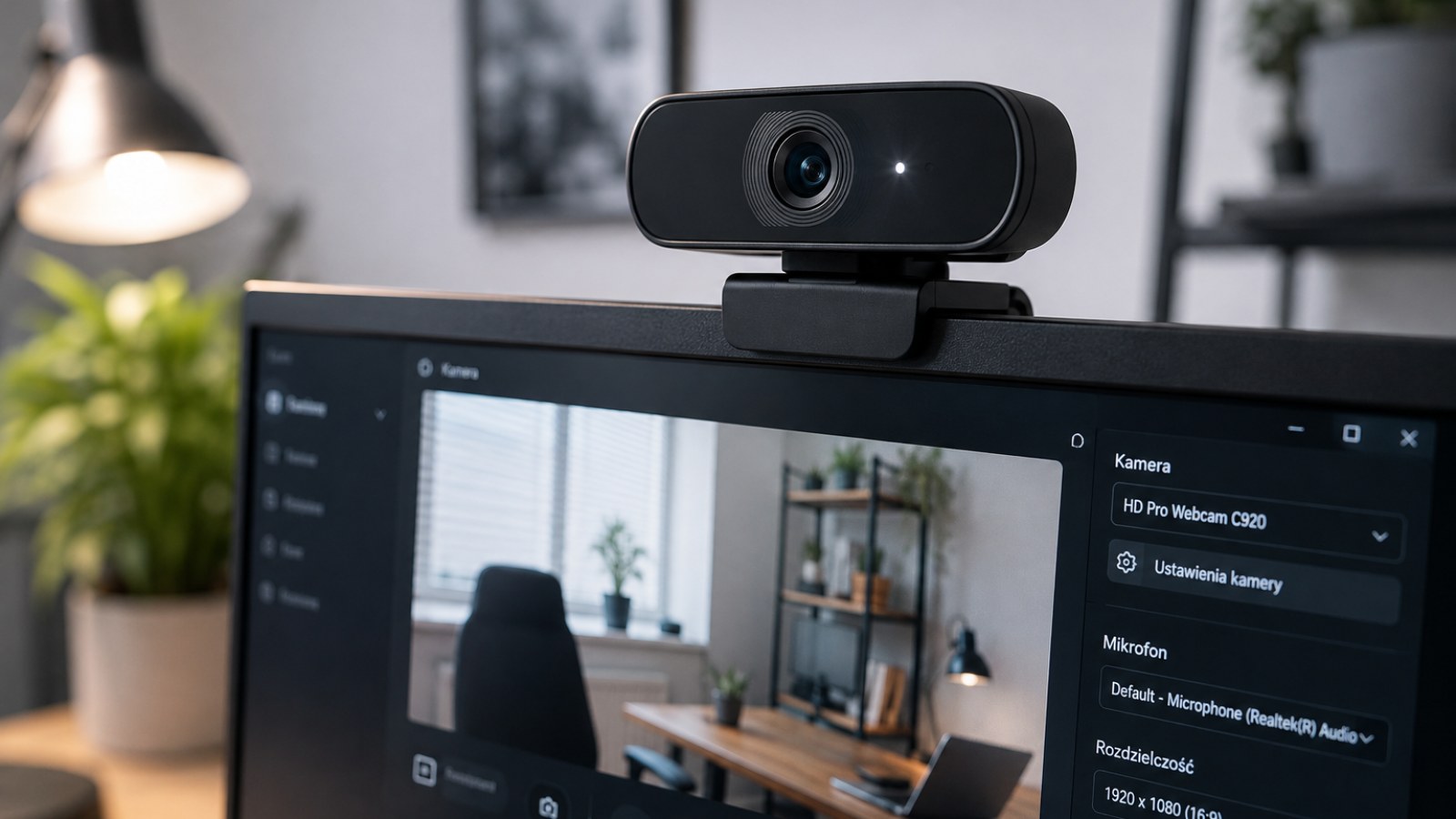
If the tester works but Teams, Zoom or Discord does not, the usual causes are source selection, permissions or another application holding the camera. Close other camera apps, select the device again inside the program and only then restart the PC. That is faster than reinstalling drivers at random.
How to get a more reliable result
Repeat the check after reconnecting the device or restarting the app, but change only one variable at a time. If the symptom disappears on another browser or computer, settings or software may be involved. If the same behaviour follows the device across several environments, a hardware cause becomes more plausible. Note the test conditions instead of relying on memory.
Is your camera working as it should?
Check the picture and browser camera access right here — no software to install.
The most useful result comes from a calm, repeatable check and several observations rather than one isolated attempt.
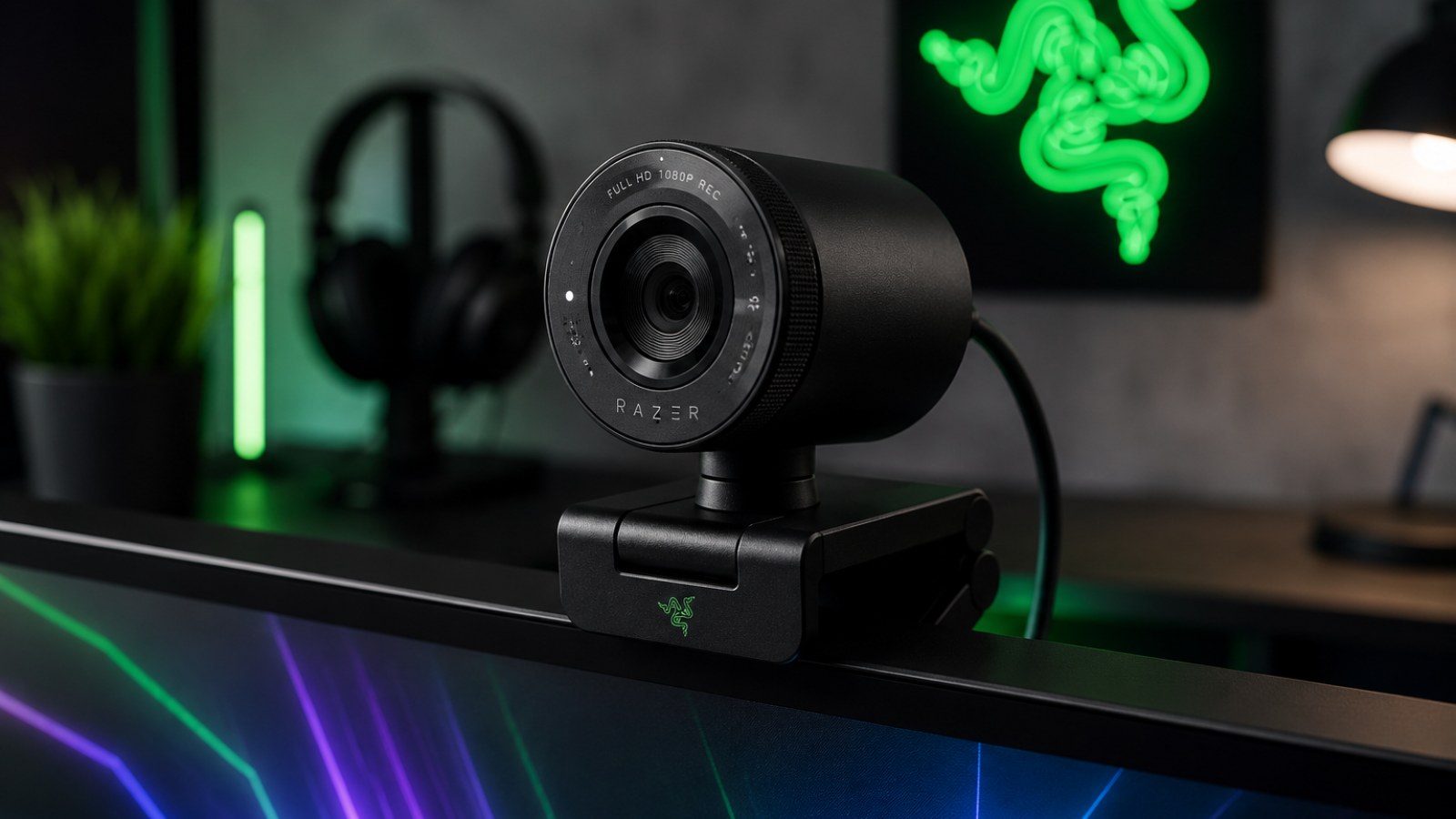
Before changing settings, reproduce the symptom in the tester. This makes it easier to compare the device before and after each change.
This article belongs to a topic cluster. See the other guides and the online tester for this device.
Frequently asked questions
Does the test require installation?
No. ACC64 runs in a compatible browser without installing extra software.
Does a failed test always mean hardware is broken?
Not always. Repeat the test, check the connection and system settings, and if possible compare on another device or computer.
Should I repeat the test in another browser or on another computer?
Yes. If the result repeats in a second environment, it becomes much easier to rule out a temporary browser or system issue and focus on the device itself.