
How to Choose a Webcam: 1080p vs 4K, 30 vs 60 FPS and What Really Matters
A webcam cannot be judged by resolution alone. Sensor quality, frame rate, lens, autofocus, exposure and lighting can make a well-designed 1080p camera look considerably better than a mediocre model carrying a 4K badge.
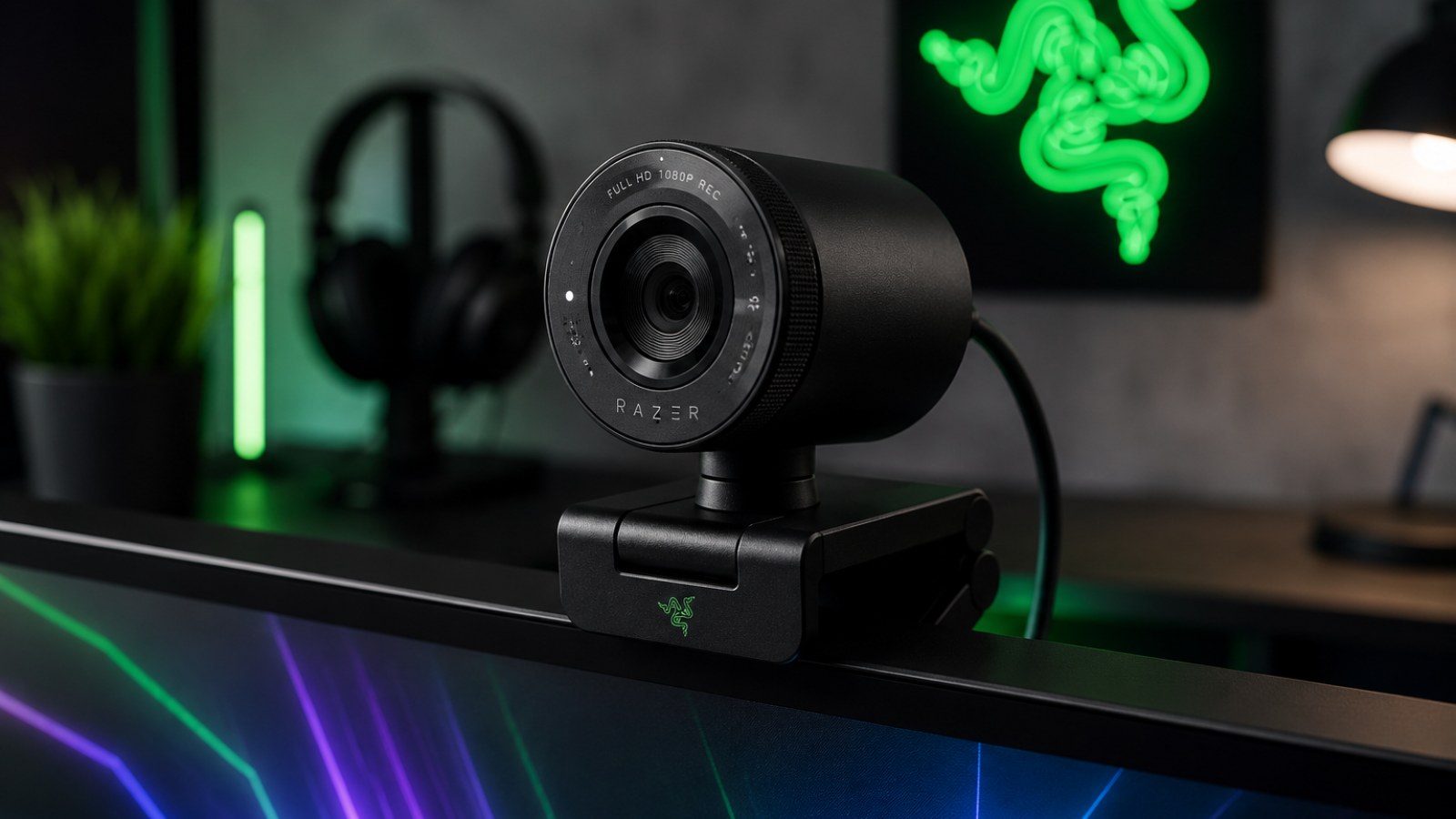
Key takeaways
- 1080p is enough for most meetings, classes and everyday video calls.
- 60 FPS produces smoother motion but benefits from good lighting.
- 4K is most useful for recording, streaming, cropping and digital reframing.
- Sensor and lighting quality often matter more than raw pixel count.
- Check autofocus, field of view, mounting and supported video modes before buying.
Choosing webcam specifications by use case
| Use case | Resolution | Frame rate | Priorities |
|---|---|---|---|
| Video meetings | 1080p | 30 FPS | Autofocus, exposure, ease of use |
| Streaming | 1080p or 4K | 30–60 FPS | Motion, manual controls, lighting |
| Recording | 4K can help | 30–60 FPS | Sensor, detail, cropping |
| Low-light rooms | Resolution is secondary | 30 FPS often sufficient | Sensor, exposure, noise |
1080p or 4K: start with how you will actually use the camera
More pixels are useful only when the rest of the imaging system can support them
For a person who spends most of the day in video meetings, a good 1080p webcam is usually the sensible baseline. Full HD provides enough facial detail for normal desktop viewing, while conferencing platforms may compress or reduce video quality depending on bandwidth, software settings and call conditions. A 4K source therefore does not guarantee that other participants will receive a visibly sharper 4K image.
4K becomes more valuable when the webcam doubles as a production camera. Recording at a higher resolution gives you room to crop a wider frame, create a digital close-up or reposition the shot during editing while still producing a Full HD output. This flexibility can be particularly useful for tutorials, product demonstrations and streams where one camera has to cover several compositions.
Resolution is nevertheless only one part of the image pipeline. A small sensor with poor processing can produce noisy, oversharpened 4K footage, while a strong 1080p webcam may deliver cleaner skin tones and more stable exposure. Lens quality, noise reduction, white balance and available light all influence what viewers actually see.
- Choose 1080p for general calls and remote work.
- Consider 4K when cropping or recording is important.
- Do not use resolution as the only measure of image quality.
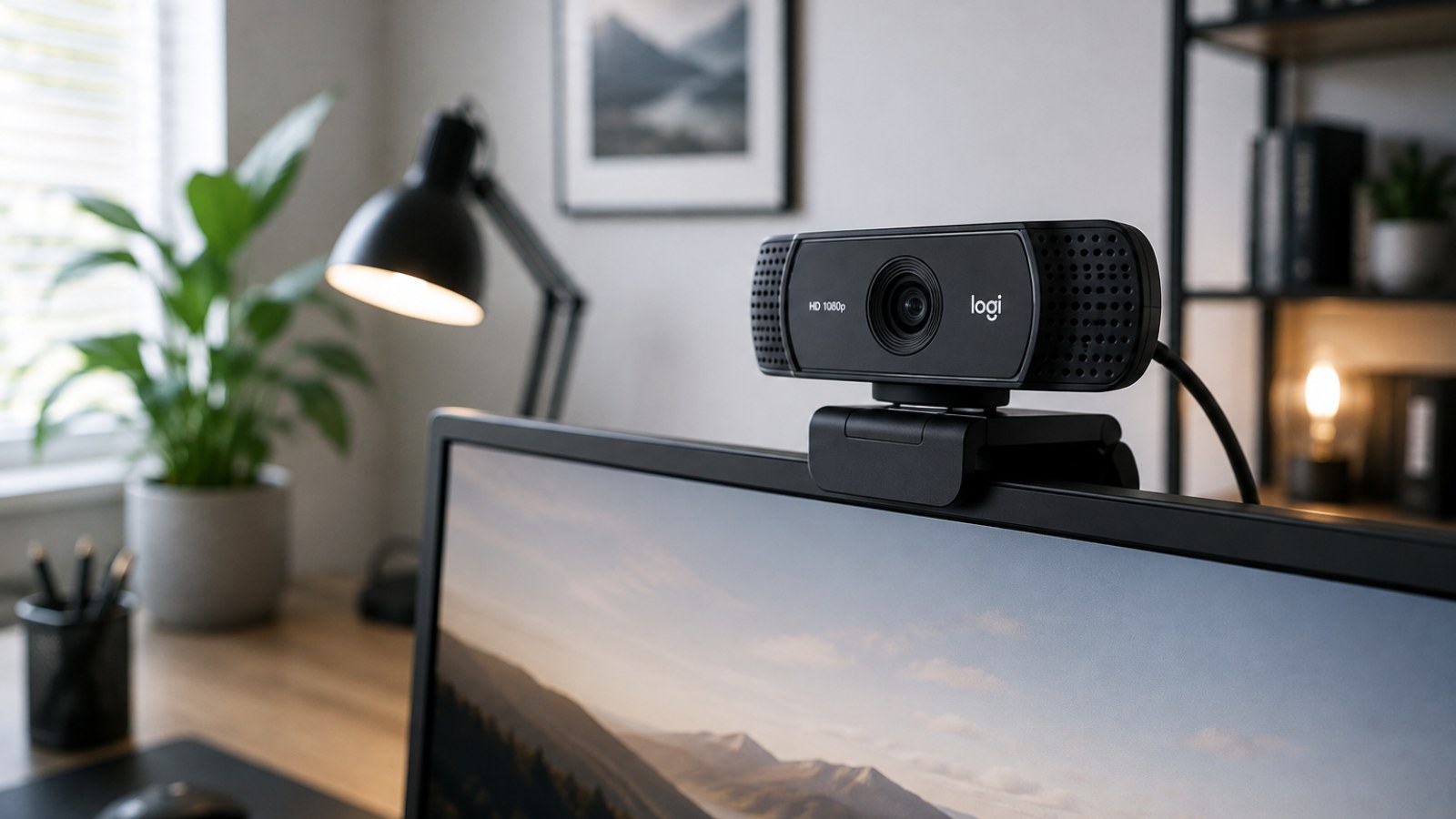
30 FPS vs 60 FPS: when smoother video makes a difference
Frame rate matters most when there is meaningful movement in the shot
Thirty frames per second is perfectly adequate for a conventional head-and-shoulders video call. The subject is relatively static and the extra temporal detail of 60 FPS rarely transforms the experience. If meetings are your main use case, a webcam with excellent 1080p30 image quality can be a better purchase than a weaker model chosen only because it advertises a higher frame rate.
At 60 FPS, hand movements, head turns and objects moving through the frame appear smoother. That can benefit game streams, live presentations, demonstrations and energetic on-camera content. The trade-off is that each frame has less time to collect light. In a dark room the camera may increase sensor gain, producing noise, or alter exposure in a way that reduces the practical advantage of the higher frame rate.
Always verify which resolution supports the advertised frame rate. A webcam capable of 4K recording and 60 FPS operation may offer those capabilities in separate modes rather than simultaneously. For many creators, high-quality 1080p60 is an excellent compromise, while a stable 1080p30 image remains entirely appropriate for ordinary conferencing.
- 30 FPS suits meetings and normal desk use.
- 60 FPS is useful for streams and visible movement.
- Check the exact resolution and frame-rate combinations.
Sensor, lens and lighting can matter more than the headline specification
Why webcams with identical resolution can produce dramatically different results
The image sensor has to turn a limited amount of incoming light into a usable video signal. When the room is dim, noise becomes more visible and cameras often compensate with stronger processing, increased gain or longer exposure. The result can be grainy shadows, smeared facial details or motion blur. This is why a webcam that looks excellent under bright showroom lighting may behave very differently in a bedroom or office at night.
The lens affects sharpness, distortion and the amount of light reaching the sensor. Marketing terms alone do not reveal how well the complete optical system performs, so real video samples are more useful than isolated specifications. Look at skin texture, hair, dark areas and bright highlights. Constant brightness pumping or unnatural color changes can be more distracting in everyday use than a small difference in resolution.
Lighting is also one of the most effective upgrades available. A soft light placed in front of the user gives the camera a much easier scene to expose than a bright window behind the subject. Better illumination can reduce noise, preserve detail and allow shorter exposures. Before replacing an otherwise competent webcam, improving the position and quality of your light is worth trying.
- Look for low-light video samples.
- Avoid placing a bright window directly behind you.
- Good lighting can deliver a larger improvement than moving from 1080p to 4K.
Autofocus, field of view and HDR: features that affect everyday usability
The right camera should fit both your room and your shooting style
Autofocus matters if you move toward and away from the camera or regularly hold objects up to the lens. A poorly tuned system can hunt continuously, making the picture pulse between sharp and soft. For a fixed desk setup, the ability to lock focus manually can be just as useful as fast autofocus because it prevents unnecessary changes during a call or stream.
Field of view determines how much of the room appears in the image. A wide lens is useful for multiple people or a camera positioned very close to the user, but it also exposes more of the background and may exaggerate perspective near the edges. A more moderate field of view often creates a natural composition for one person sitting in front of a monitor.
HDR and related dynamic-range processing can help when the frame contains both bright and dark areas, such as a face positioned in front of a window. Performance varies considerably between implementations, however, so the feature name itself is not a guarantee. Creators should also look for manual control over exposure, white balance, focus and other image settings.
- Autofocus is valuable for movement and demonstrations.
- A wider field of view is not automatically better.
- Manual image controls are useful for consistent production.
USB, mounting, microphones and privacy deserve attention too
Small practical details can determine whether a webcam is pleasant to use every day
Built-in microphones are convenient for quick calls, but a webcam normally sits much farther from your mouth than a headset or dedicated microphone. That distance makes room reflections, keyboard noise and other background sounds more prominent. If voice quality is important, treat the webcam microphone as a convenience rather than assuming it can replace a properly positioned audio device.
Check the connection requirements for the video modes you intend to use. Higher resolutions and frame rates can increase bandwidth requirements, and the camera may need an appropriate USB connection to expose all of its modes. Cable length also matters, especially with a desktop computer located under the desk. A removable cable can make replacement and routing easier.
The monitor clip should remain stable on your particular display and allow the lens to sit near eye level. A tripod thread provides more positioning options for recording and streaming. A physical privacy shutter is another simple but useful feature because it provides an immediately visible barrier over the lens when the camera is not in use.
- Check USB requirements and cable length.
- Make sure the clip fits your monitor securely.
- A tripod mount improves positioning flexibility.
- A physical lens cover is a useful privacy feature.
A practical buying strategy for meetings, streaming and recording
Define your real requirements before comparing specification sheets
For everyday meetings, prioritize a clean 1080p30 image, reliable autofocus and competent exposure over 4K branding. Streamers who move frequently on camera may benefit more from 1080p60. If you record locally, create tutorials or expect to crop the image, 4K becomes more valuable because the additional pixels provide room for reframing.
Before purchasing, watch complete video samples rather than judging still frames. Observe autofocus while the subject moves, exposure when a bright object enters the scene, skin color, fine hair detail and noise in darker areas. Ideally, compare samples made under both daylight and artificial indoor lighting.
After connecting a new webcam, verify the available resolution and FPS modes in the operating system and your preferred application. If the picture looks disappointing, improve front lighting, check exposure and white balance, disable unnecessary filters and connect the camera directly to a suitable USB port before concluding that the hardware is defective.
- Meetings: prioritize strong 1080p30.
- Streaming with movement: consider 1080p60.
- Recording and cropping: 4K provides extra flexibility.
- Test the camera under the lighting you actually use.
The best webcam is not necessarily the one with the largest resolution number. For most users, a well-designed 1080p30 camera with reliable exposure, good autofocus and decent low-light performance is the practical choice. Streamers can benefit from 60 FPS, while creators who record and crop footage have stronger reasons to choose 4K. Evaluate the complete imaging system and your lighting rather than buying from a single specification.
FAQ
Do I need a 4K webcam for Zoom or Teams?
Usually not. 1080p is sufficient for normal meetings, and conferencing software or network conditions may reduce the transmitted quality anyway. 4K is more useful for recording and cropping.
Is 60 FPS always better than 30 FPS?
No. It produces smoother motion, but 30 FPS can perform better in limited light because each frame can receive more light.
Why can a 1080p webcam look better than a 4K model?
Resolution does not describe sensor quality, optics, exposure or processing. A better imaging pipeline can easily outweigh the difference in pixel count.
What is the easiest way to improve webcam quality?
Improve the lighting. A soft light in front of your face can reduce noise, improve exposure and make colors and details look more consistent.
ACC64 editorial article prepared from the cited materials and approved before publication.