
Mouse Test Online — Check Double Click, Buttons and Scroll Wheel
Getting accidental double clicks or a button that drops input? Check clicks, wheel input and extra mouse buttons without installing software.
Key points
- A common symptom is two clicks being registered from one physical press.
- Open Mouse Test and make deliberate single clicks with the left and right buttons.
- Intentional rapid clicking can make the result harder to interpret.
- If the same issue repeats on another USB port or computer and consistently affects one button, the switch may be worn.
Quick overview
| Step | What to check |
|---|---|
| How does a double-click fault look? | A common symptom is two clicks being registered from one physical press. |
| How to test a mouse in ACC64 | Open Mouse Test and make deliberate single clicks with the left and right buttons. |
| Do not test only at maximum speed | Intentional rapid clicking can make the result harder to interpret. |
| When should you suspect hardware? | If the same issue repeats on another USB port or computer and consistently affects one button, the switch may be worn. |
A practical step-by-step check
When checking for accidental double clicks, use normal deliberate clicks. Very fast clicking can intentionally create a double click and make the result harder to interpret. If one physical press is repeatedly recorded twice, repeat the test in several spots and check the operating-system double-click speed before concluding that the switch is faulty.
Test left and right click, wheel up and down, middle click and side buttons separately. With scroll problems, watch for a short movement in the opposite direction; that can be a sign of a worn or dirty encoder. Wireless mice can also show brief interruptions because of the connection or low battery.
- How does a double-click fault look?: A common symptom is two clicks being registered from one physical press.
- How to test a mouse in ACC64: Open Mouse Test and make deliberate single clicks with the left and right buttons.
- Do not test only at maximum speed: Intentional rapid clicking can make the result harder to interpret.
- When should you suspect hardware?: If the same issue repeats on another USB port or computer and consistently affects one button, the switch may be worn.
How to interpret what you see
A symptom that follows the mouse across different computers and applications is more likely to be hardware-related. If it appears only in one game, check bindings and the manufacturer software. A browser test is best used to reproduce and describe the behaviour, not as an automatic repair diagnosis.
How to get a more reliable result
Repeat the check after reconnecting the device or restarting the app, but change only one variable at a time. If the symptom disappears on another browser or computer, settings or software may be involved. If the same behaviour follows the device across several environments, a hardware cause becomes more plausible. Note the test conditions instead of relying on memory.
Is your mouse working as it should?
Check clicks, the scroll wheel and buttons in a few moments — no software to install and no need to leave this page.
The most useful result comes from a calm, repeatable check and several observations rather than one isolated attempt.
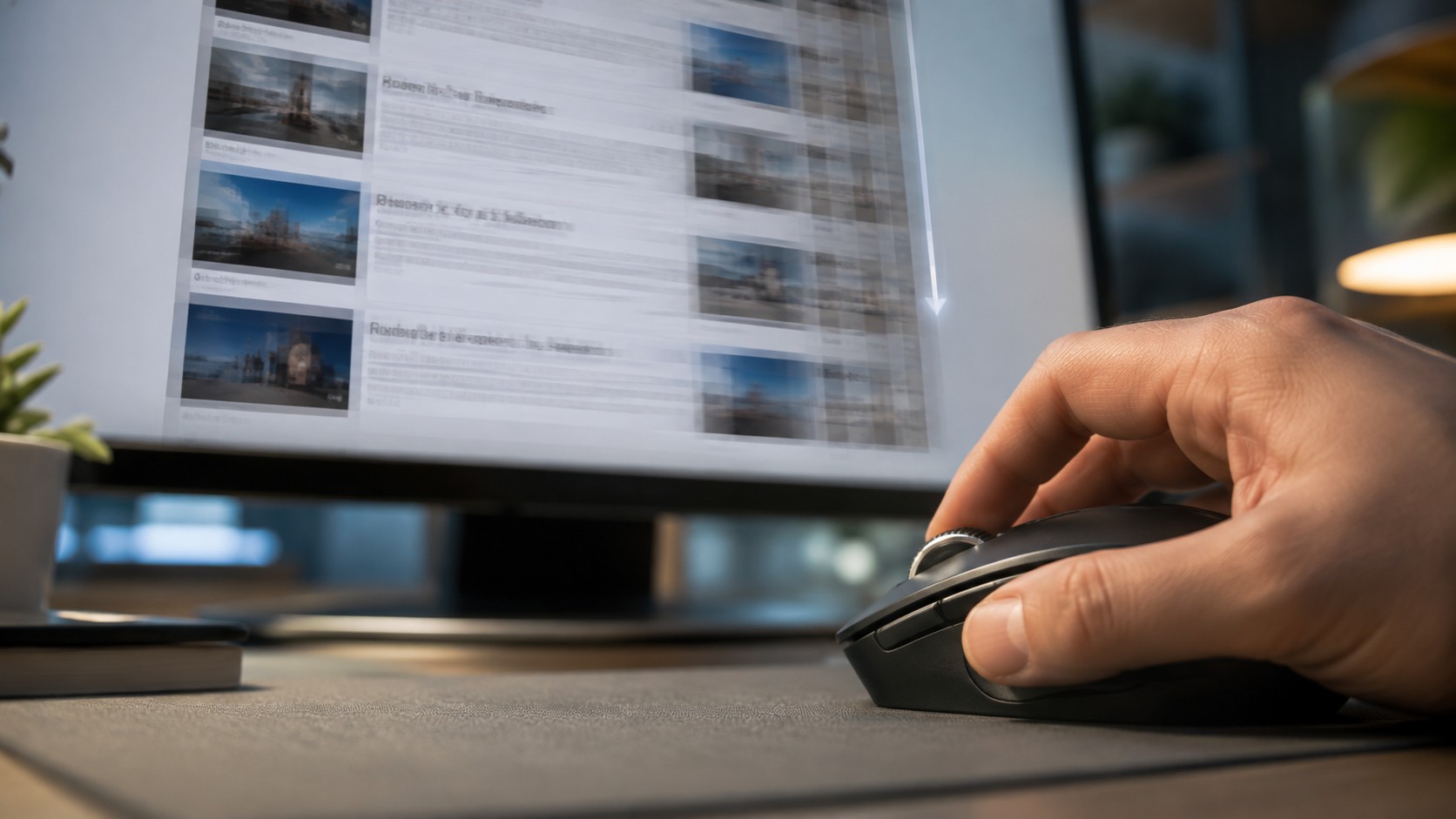
Before changing settings, reproduce the symptom in the tester. This makes it easier to compare the device before and after each change.
This article belongs to a topic cluster. See the other guides and the online tester for this device.
Frequently asked questions
Does the test require installation?
No. ACC64 runs in a compatible browser without installing extra software.
Does a failed test always mean hardware is broken?
Not always. Repeat the test, check the connection and system settings, and if possible compare on another device or computer.
Should I repeat the test in another browser or on another computer?
Yes. If the result repeats in a second environment, it becomes much easier to rule out a temporary browser or system issue and focus on the device itself.