
How to Choose a Graphics Card for Gaming and Work
Learn what matters when choosing a GPU: resolution, VRAM, power draw, PSU requirements, cooling and non-gaming workloads.
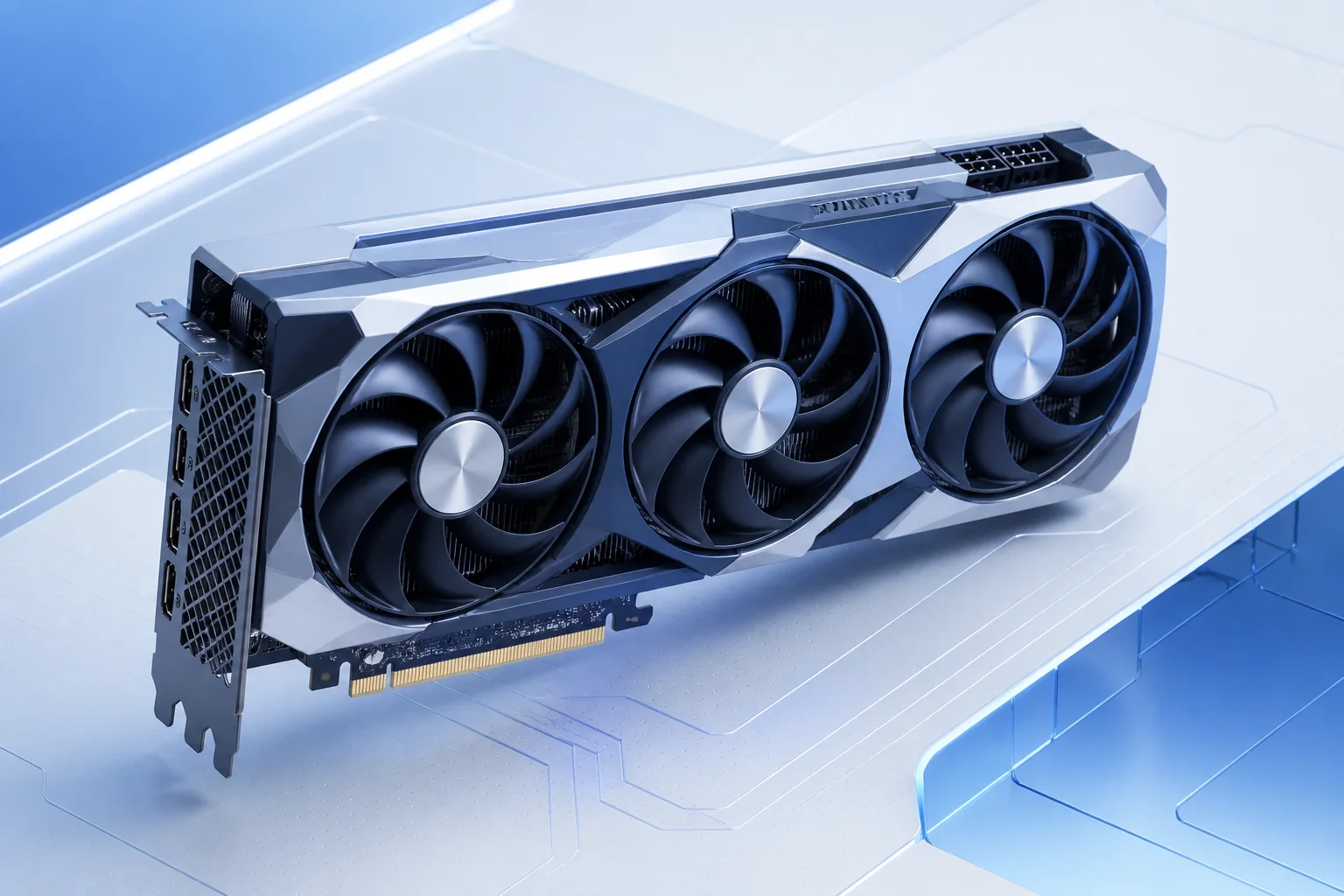
Key points
- Start with your monitor resolution, the games or applications you actually use and the frame rate or workload you expect.
- Check VRAM, performance in relevant workloads, power draw, card length and required power connectors.
- More VRAM does not automatically make a GPU faster, but too little memory can limit high-resolution textures and heavier creative projects.
- Before buying, make sure the power supply has enough capacity and the right cables, and that the case has enough clearance and airflow.
Quick overview
| Step | What to check |
|---|---|
| What should you check? | Start with your monitor resolution, the games or applications you actually use and the frame rate or workload you expect. |
| How should you test it? | Check VRAM, performance in relevant workloads, power draw, card length and required power connectors. |
| How should you read the result? | More VRAM does not automatically make a GPU faster, but too little memory can limit high-resolution textures and heavier creative projects. |
| What should you do next? | Before buying, make sure the power supply has enough capacity and the right cables, and that the case has enough clearance and airflow. |
A practical step-by-step check
Choose a GPU around the display and workloads you actually use, not around the model name alone. 1080p at 60 Hz is a very different target from 1440p at 165 Hz, 4K gaming or 3D rendering. In games, look beyond average FPS: headroom for newer titles, 1% lows and the upscaling or frame-generation features you intend to use can matter just as much.
VRAM matters, but the number of gigabytes does not define the speed of a graphics card. Consider the GPU class, memory bandwidth, power draw, cooler and performance in the exact software you use. For editing, rendering and local AI workloads, application support and the amount of memory required by a project can be more important than a gaming benchmark.
- What should you check?: Start with your monitor resolution, the games or applications you actually use and the frame rate or workload you expect.
- How should you test it?: Check VRAM, performance in relevant workloads, power draw, card length and required power connectors.
- How should you read the result?: More VRAM does not automatically make a GPU faster, but too little memory can limit high-resolution textures and heavier creative projects.
- What should you do next?: Before buying, make sure the power supply has enough capacity and the right cables, and that the case has enough clearance and airflow.
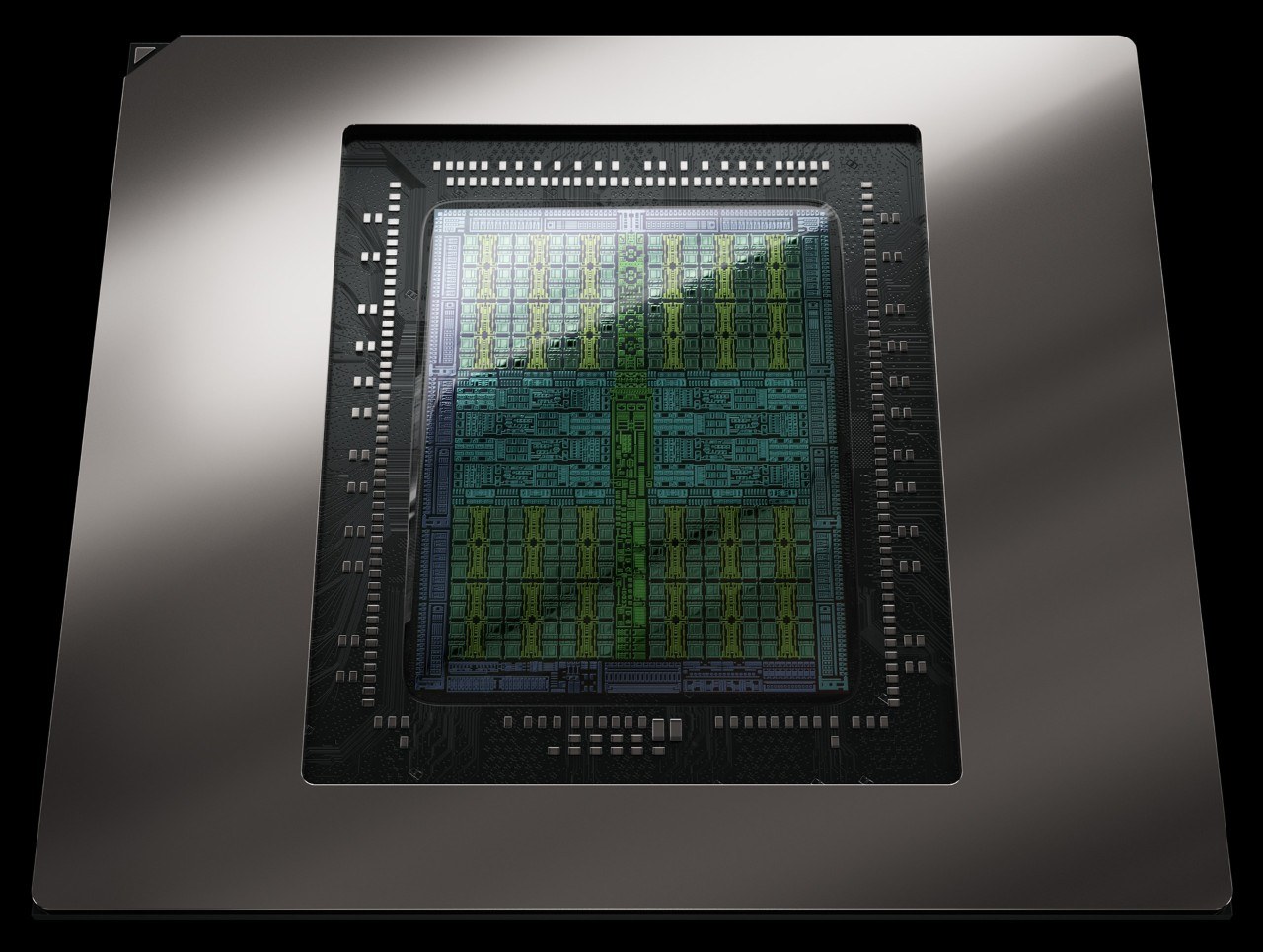
How to interpret what you see
Before buying, check card length and thickness, power connectors, PSU quality and airflow. Laptop GPUs carrying the same family name can run at very different power limits from desktop cards. Compare tests at a similar resolution and with a similar CPU instead of making a decision from one synthetic score.
How to get a more reliable result
Before buying, shortlist two or three models within budget and compare them in the workloads you actually run. Consider the cost of the whole platform: a faster component may require a stronger PSU, better cooling or a different interface. Do not pay only for the biggest number on a specification sheet if the rest of the PC or your usage cannot take advantage of it.
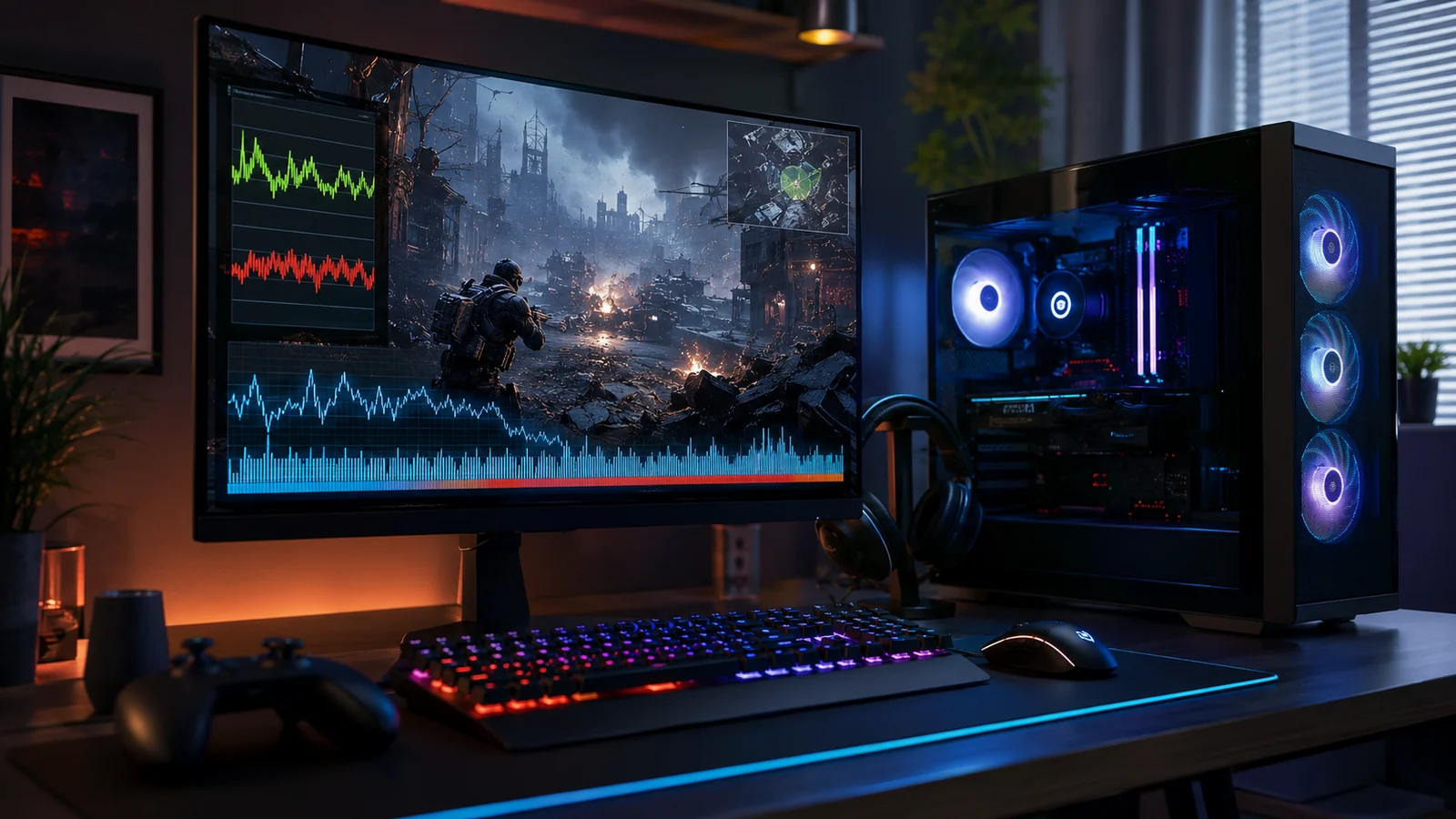
How will a game run on your PC?
Choose a game and your hardware to check expected performance without leaving this page.
The most useful result comes from a calm, repeatable check and several observations rather than one isolated attempt.

Frequently asked questions
Does more VRAM always mean a faster graphics card?
No. VRAM matters, but performance also depends on the GPU itself, memory bandwidth, power limits and the application.
Should I check the power supply before buying a GPU?
Yes. Check recommended wattage, available connectors, PSU quality, case clearance and airflow.