
SSD vs HDD — Which Drive Should You Choose in 2026?
Compare SSDs and HDDs by speed, capacity, durability, price and use case to choose the right drive for Windows, games and storage.
Key points
- For Windows and games, responsiveness matters most, so an SSD should now be the primary drive.
- Compare capacity, price per gigabyte, interface and the free slots in your motherboard.
- SSDs offer much lower access latency and faster application loading.
- A practical setup is an SSD for the operating system and active apps plus a second drive for bulk storage.
Quick overview
| Step | What to check |
|---|---|
| What should you check? | For Windows and games, responsiveness matters most, so an SSD should now be the primary drive. |
| How should you test it? | Compare capacity, price per gigabyte, interface and the free slots in your motherboard. |
| How should you read the result? | SSDs offer much lower access latency and faster application loading. |
| What should you do next? | A practical setup is an SSD for the operating system and active apps plus a second drive for bulk storage. |
A practical step-by-step check
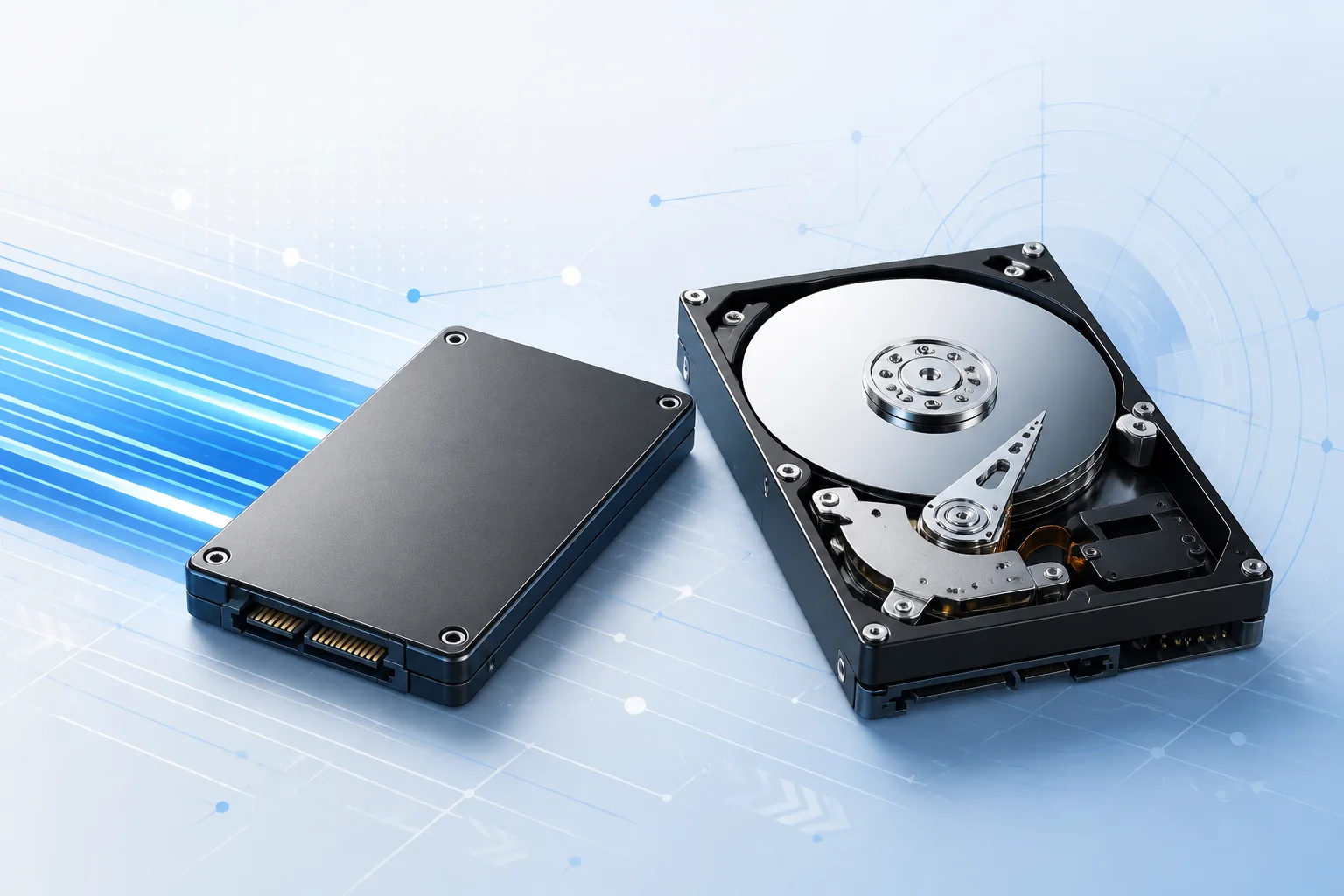
For most PCs, an SSD should be the first choice for the operating system, applications and games because it cuts startup time and greatly improves access to small files. HDDs still make sense when inexpensive capacity is the priority: photo archives, backups, recordings and data that does not need instant access.
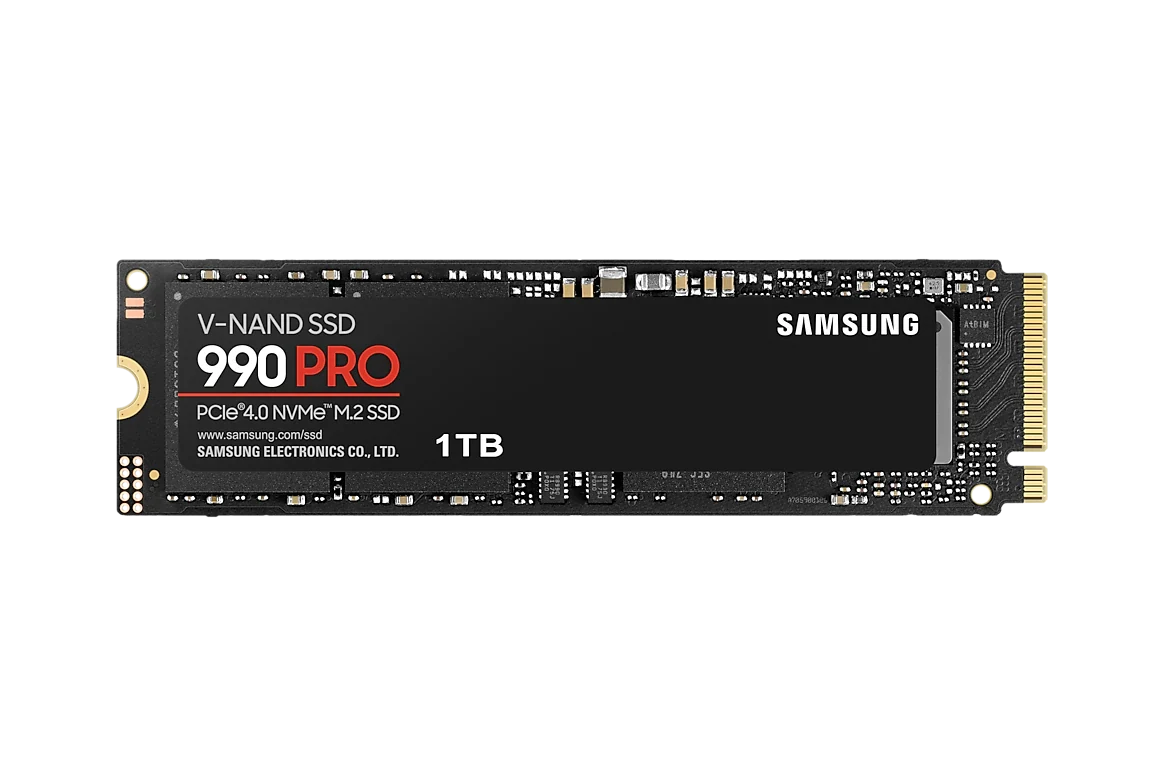
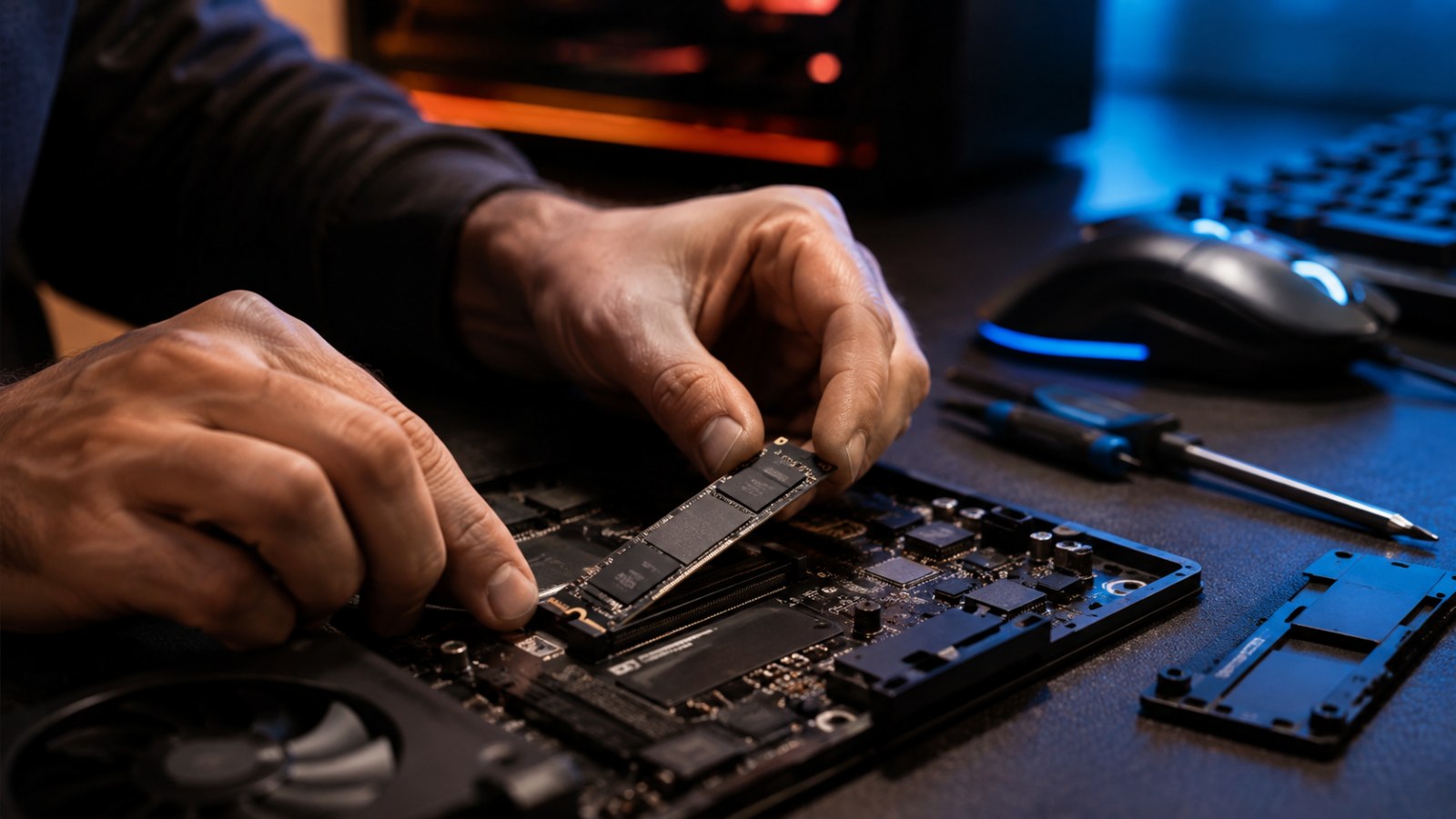
Not every SSD fits every PC. Check 2.5-inch versus M.2 form factor, SATA or NVMe support, module length and the PCIe generation supported by the slot. A faster PCIe SSD may work in an older slot at a lower speed, but paying for performance the computer cannot use is rarely good value.
- What should you check?: For Windows and games, responsiveness matters most, so an SSD should now be the primary drive.
- How should you test it?: Compare capacity, price per gigabyte, interface and the free slots in your motherboard.
- How should you read the result?: SSDs offer much lower access latency and faster application loading.
- What should you do next?: A practical setup is an SSD for the operating system and active apps plus a second drive for bulk storage.
How to interpret what you see
A practical desktop setup often combines an SSD for the system and active projects with a larger drive for archives. Regardless of the storage technology, important files should never exist on only one drive. Both SSDs and HDDs can fail, so a backup matters more than the endurance number printed on a product page.
How to get a more reliable result
Before buying, shortlist two or three models within budget and compare them in the workloads you actually run. Consider the cost of the whole platform: a faster component may require a stronger PSU, better cooling or a different interface. Do not pay only for the biggest number on a specification sheet if the rest of the PC or your usage cannot take advantage of it.
What hardware is actually inside your PC?
Check detected system and hardware information directly on this page.
The most useful result comes from a calm, repeatable check and several observations rather than one isolated attempt.
Frequently asked questions
Is an SSD always better than an HDD?
For the OS, applications and games it is usually much faster. HDDs can still be economical for large archives and backups.
Is every M.2 drive NVMe?
No. M.2 describes the form factor. Depending on the drive and motherboard, an M.2 device may use SATA or NVMe/PCIe.