
Mouse Double-Clicks Instead of Clicking Once — What Causes It and How to Test Your Mouse Online
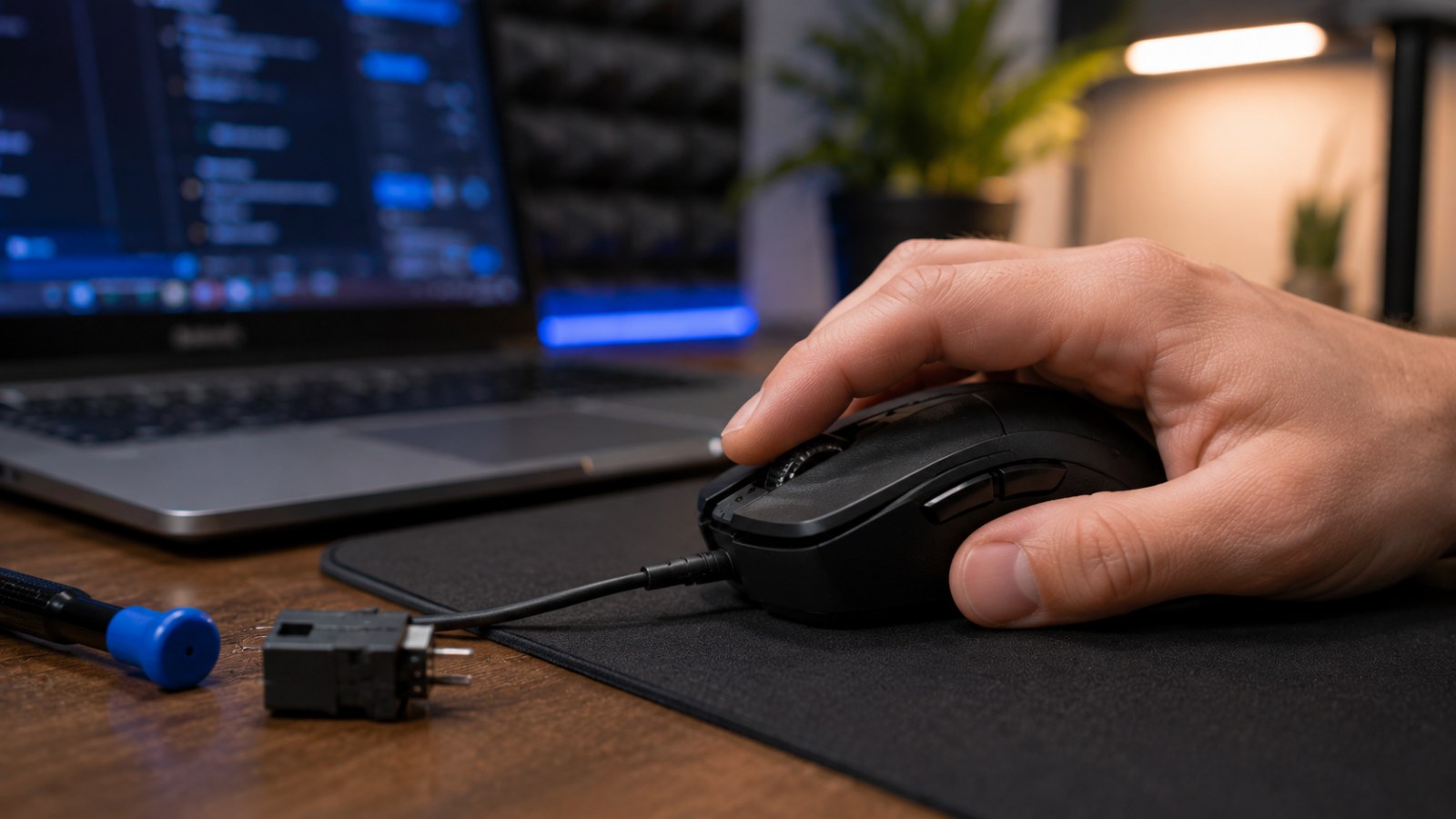
A single press that suddenly becomes two clicks can make a perfectly usable mouse frustrating. Before blaming the switch, it is worth separating genuine hardware double-clicking from operating-system settings, macros and software issues. Here is a practical way to test the mouse online and narrow down the cause.
Key takeaways
- Unwanted double-clicking means one physical press produces more than one click event.
- A worn or unstable button switch is a common hardware cause.
- An online mouse tester can reveal intermittent extra clicks that are difficult to reproduce manually.
- Macros, button remapping and software should be ruled out before opening the mouse.
- Testing on another computer is one of the most useful ways to distinguish hardware from software.
Quick double-click troubleshooting guide
| Symptom | Possible cause | Useful test |
|---|---|---|
| One press produces two clicks | Switch or configuration | Online tester and second computer |
| Issue appears in one app only | Application or profile | Test other software |
| Dragging releases unexpectedly | Unstable button state | Hold and drag test |
| Issue exists on one PC only | Software configuration | Drivers, macros and utilities |
| Same fault follows the mouse | Likely mouse hardware | Warranty or hardware diagnosis |
What does a real mouse double-click problem look like?
Do not confuse a faulty click with the normal double-click feature
The classic symptom is simple: you physically press the left mouse button once, yet the computer behaves as though it was clicked twice. A file may open when you only intended to select it, a control may trigger twice, or an action in a game may occur unexpectedly. The issue can also be intermittent, which is why it often becomes annoying long before it becomes easy to diagnose.
A normal operating-system double-click is different. Two intentional clicks made within a defined time window are interpreted as a double-click. A faulty mouse can generate multiple events from a single physical press, so changing how quickly you intentionally click does not address the underlying problem.
Some failing buttons produce more than obvious double-clicks. They can briefly release while being held, making drag-and-drop unreliable, or they may register inconsistently depending on how lightly the button is pressed. These symptoms are worth testing together because they can point toward the same switch or button mechanism.
- Files open after what should be a single click.
- Dragging items unexpectedly releases them.
- One game input sometimes becomes two.
- The problem repeatedly affects the same mouse button.
Why does a mouse start double-clicking?
Mechanical wear is common, but software can imitate the symptom
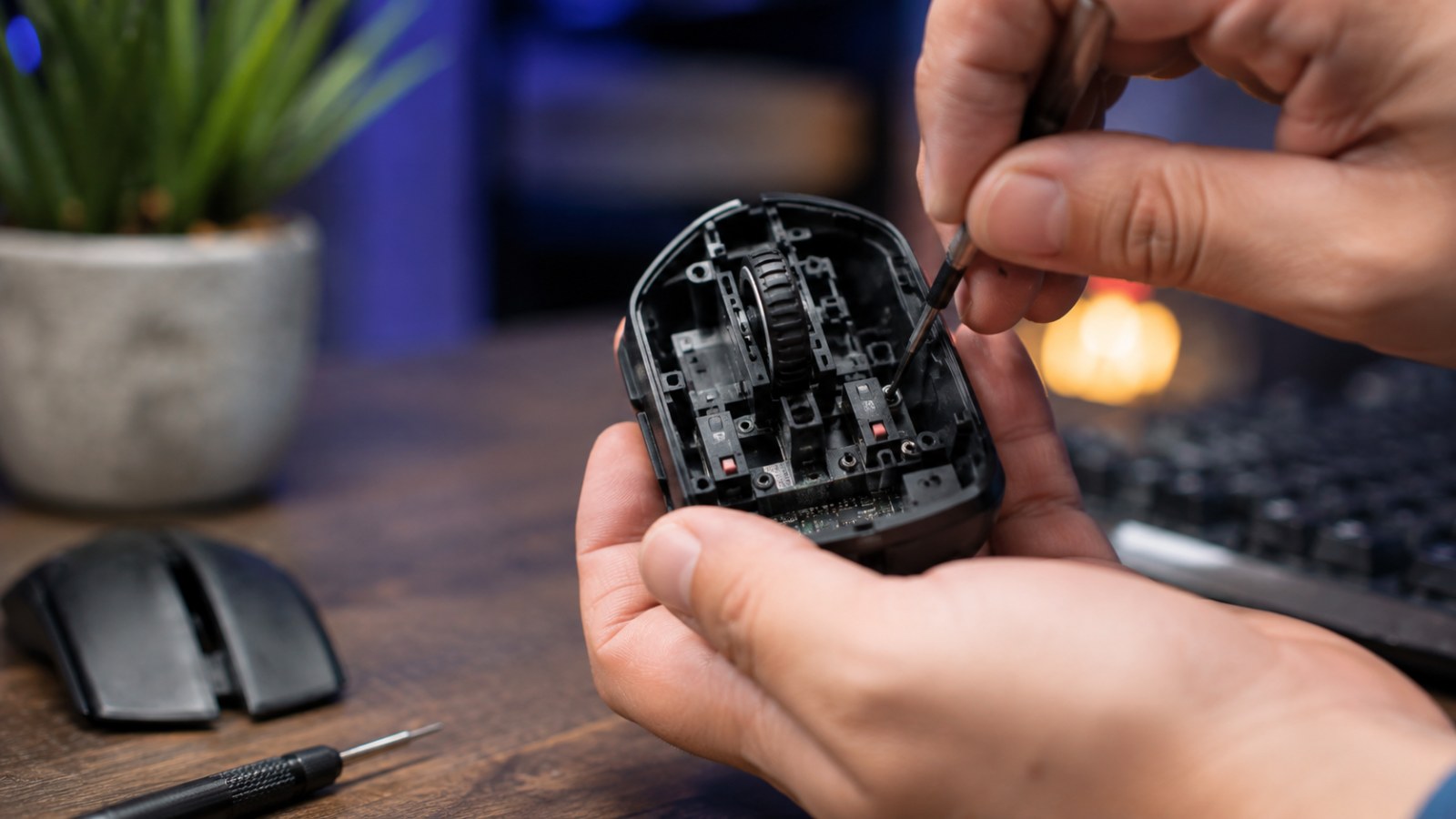
Many mice use switches beneath their primary buttons. A press changes the electrical state detected by the mouse controller. Mechanical contacts do not always transition perfectly cleanly, so electronics and firmware account for a short period of contact bounce. As components wear, the signal can become less stable and additional transitions may occasionally be interpreted as separate clicks.
Heavy use can contribute to wear because gaming and productivity workloads can involve an enormous number of button presses over the life of a mouse. Still, age alone is not a diagnosis. A relatively old mouse can remain reliable, while another device can develop a button fault sooner depending on its components, construction and usage.
Software should also be considered. Mouse utilities may contain macros, rapid-fire actions, remapped buttons or profiles that behave differently in individual applications. Background peripheral software can therefore imitate or complicate a double-click issue. Wireless interference or connection problems are less characteristic of a clean, repeatable double-click, but testing the connection remains worthwhile when troubleshooting a wireless mouse.
- Mechanical switch wear.
- Unstable electrical contact.
- Button macros or remapping.
- Peripheral software and profiles.
- Less commonly, broader electronic or connection problems.
How to test mouse double-clicking online
Use deliberate single clicks instead of clicking as fast as possible
Open an online mouse tester and place the pointer in its test area. Press the suspected button once at a time at a comfortable pace. The purpose is not to measure your maximum clicks per second. You want to compare deliberate physical presses with the click events detected by the browser.
Perform several dozen normal clicks and watch for unexpected duplicates. If the tester reports an additional click even though your finger completed only one press-and-release cycle, continue testing to see whether the behaviour repeats. Then perform the same procedure with another button to create a useful comparison.
Intermittent faults need patience. Run several shorter sets and try normal, slightly lighter and slightly firmer presses without abusing the device. A button that produces extra events particularly when it is lightly pressed or released may have an unstable mechanical or electrical transition.
Avoid drawing conclusions from an extreme rapid-clicking session. Intentionally generated clicks can occur very close together and make the results harder to interpret. For double-click diagnosis, repeatability and the relationship between physical presses and registered events matter more than raw clicking speed.
- Click at a normal pace.
- Test left and right buttons separately.
- Run multiple sets of clicks.
- Watch for extra events after one physical press.
- Repeat the test after changing the connection or computer.
How to tell whether the mouse, Windows or software is responsible
A useful troubleshooting sequence before taking anything apart
Start with the connection. Move a wired mouse to another USB port and avoid an unnecessary hub during testing. For wireless devices, verify the receiver connection and compare supported connection methods when practical. Run the same online test again rather than relying on memory.
Next, inspect the mouse configuration software. Disable macros, repeat actions and unusual button assignments. Temporarily close other peripheral utilities that could intercept or modify mouse input. Changing the operating system's double-click speed can alter how two legitimate clicks are interpreted, but it cannot repair a switch that physically generates unintended additional events.
Testing the mouse on a second computer is especially valuable. If the same physical button produces the same unwanted events on a different system with different software, the evidence for a hardware problem becomes much stronger. If the issue disappears entirely, investigate the original computer's utilities, profiles, drivers and application settings.
Finally, compare behaviour across an online tester, the desktop interface and the application in which you originally noticed the problem. A fault that follows the mouse across applications and computers is fundamentally different from a symptom that occurs only inside one game.
- Try another USB port.
- Disable macros and remapping.
- Close peripheral utilities.
- Test on a second computer.
- Compare multiple applications.
Why unwanted double-clicks cause more than accidental file openings
Dragging and held-button actions can fail too
On the desktop, unwanted double-clicks can open files, activate controls twice or make selection unpredictable. An unstable button may be even more disruptive when dragging. If the switch momentarily reports a release while you are still holding the button, a file, slider or selected object can be dropped before you intended.
Games expose the same fault in different ways. Depending on the controls, an extra event might trigger another action, while an unstable held state can interfere with aiming, dragging inventory items or any command that depends on maintaining a button press. Testing outside the game is therefore important before blaming the game itself.
Clicks-per-second tests should not be treated as a definitive double-click diagnostic. CPS measures how quickly a person can generate clicks, whereas a double-click test is interested in whether the mouse creates an event that the user did not physically request. The two tests may use similar browser events, but their diagnostic goals are different.
- Unexpected interface actions.
- Broken drag-and-drop.
- Duplicate game commands.
- Interrupted held-button actions.
- Unreliable text or object selection.
What to do after a test confirms extra clicks
Warranty, repair and switch replacement
If the same button generates unwanted clicks on multiple computers, check the warranty or retailer support options before opening the mouse. For a relatively new product, disassembly may be unnecessary and could complicate warranty handling depending on the product and applicable terms.
Repairing a button switch is possible on many mice, but the procedure varies considerably. Some designs require the enclosure to be opened and a soldered switch to be replaced. Other designs may make selected components easier to service. Compatibility must be verified for the exact mouse rather than assuming any microswitch will fit and work correctly.
Removing dirt around the external button mechanism can help if debris physically interferes with movement, but it should not be expected to restore worn contacts inside a sealed switch. Software filtering may also hide some unwanted events, yet masking a symptom is not the same as repairing a failing component.
After any change, repeat the same controlled test. Using a consistent procedure before and after troubleshooting gives you a much clearer indication of whether the problem has actually disappeared.
- Check warranty coverage first.
- Verify switch compatibility before attempting repair.
- Do not assume software filtering fixes mechanical wear.
- Repeat the same test after any repair.
Unwanted double-clicking is easy to notice but should be diagnosed methodically. Run a controlled online test, disable macros and remapping, change the connection and test the mouse on another computer. If the same button repeatedly produces multiple events from one physical press across different systems, a hardware fault becomes the most likely explanation and warranty service or switch repair is the logical next step.
FAQ
How can I test my mouse for double-clicking?
Use an online mouse tester and make a series of deliberate single clicks. If one physical press repeatedly creates two registered events, repeat the test with another port and preferably another computer.
Can Windows double-click speed fix a faulty mouse?
It can change how Windows interprets two legitimate consecutive clicks, but it does not repair a mechanical switch that sends unintended extra events.
Does double-clicking always mean a bad microswitch?
No. A worn switch is a common cause, but macros, remapping and software should be ruled out before reaching that conclusion.
Can a mouse switch be replaced?
Often yes, but the method and compatible components depend on the exact mouse. Many repairs require disassembly and soldering, so warranty status should be checked first.
ACC64 editorial article prepared from the cited materials and approved before publication.