
Prepare your controller for the GTA 6 release
Before heading back to Vice City, spend a few minutes checking your controller: analog sticks, drift, buttons, triggers and connection.

Key points
- GTA 6 is scheduled for November 19, 2026 on PlayStation 5 and Xbox Series X|S.
- Connect the controller and leave both sticks untouched.
- Press the face buttons, D-pad, bumpers and L3/R3 one by one.
- L2/R2 or LT/RT are analog inputs.
Quick overview
| Step | What to check |
|---|---|
| Check the controller before launch | GTA 6 is scheduled for November 19, 2026 on PlayStation 5 and Xbox Series X|S. |
| Start with the analog sticks | Connect the controller and leave both sticks untouched. |
| Test every button | Press the face buttons, D-pad, bumpers and L3/R3 one by one. |
| Do not ignore the triggers | L2/R2 or LT/RT are analog inputs. |
Check the controller before launch
GTA 6 is scheduled for November 19, 2026 on PlayStation 5 and Xbox Series X|S. Storage space and updates are obvious launch-day checks, but an aging controller is easy to forget until the camera starts moving on its own.
Start with the analog sticks
Connect the controller and leave both sticks untouched. Then rotate each stick through its full range. Watch whether the values return cleanly to the center — a constant offset can be a sign of stick drift.

Test every button
Press the face buttons, D-pad, bumpers and L3/R3 one by one. A button that only works when pressed hard is worth catching before a long gaming session.
Do not ignore the triggers
L2/R2 or LT/RT are analog inputs. Press them slowly and make sure the reading rises smoothly from minimum to maximum.

Connection and battery
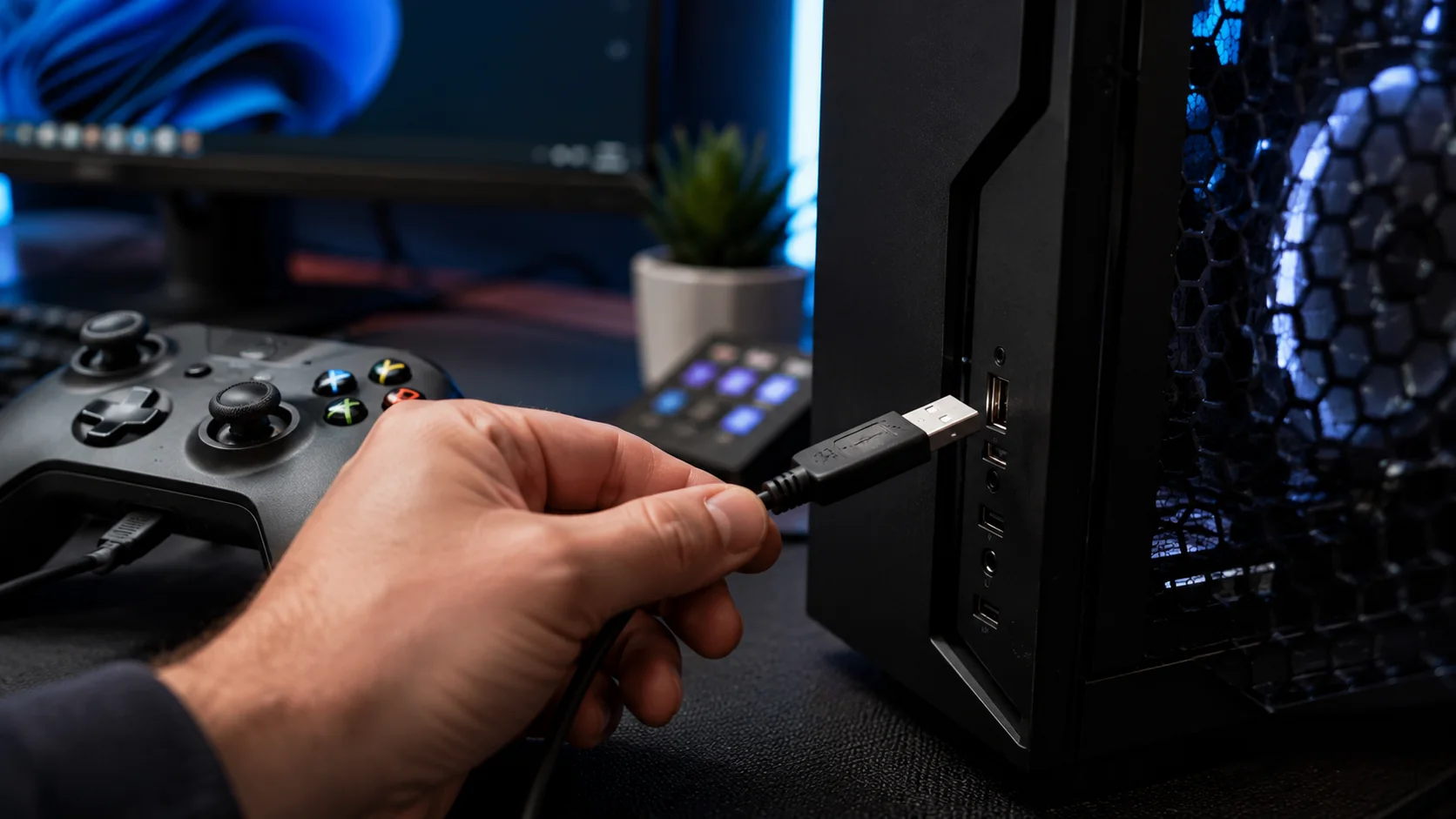
Check USB or wireless stability and charge the controller. If everything passes, you can stop thinking about the hardware and just wait for launch.
Is your controller working as it should?
Check buttons, sticks, triggers and stick drift directly on this page.
Before heading back to Vice City, spend a few minutes checking your controller: analog sticks, drift, buttons, triggers and connection. Check USB or wireless stability and charge the controller.
Before changing settings, reproduce the symptom in the tester. This makes it easier to compare the device before and after each change.
This article belongs to a topic cluster. See the other guides and the online tester for this device.