
Gaming headsets explained: what do they actually improve, and how are they different from regular headphones?
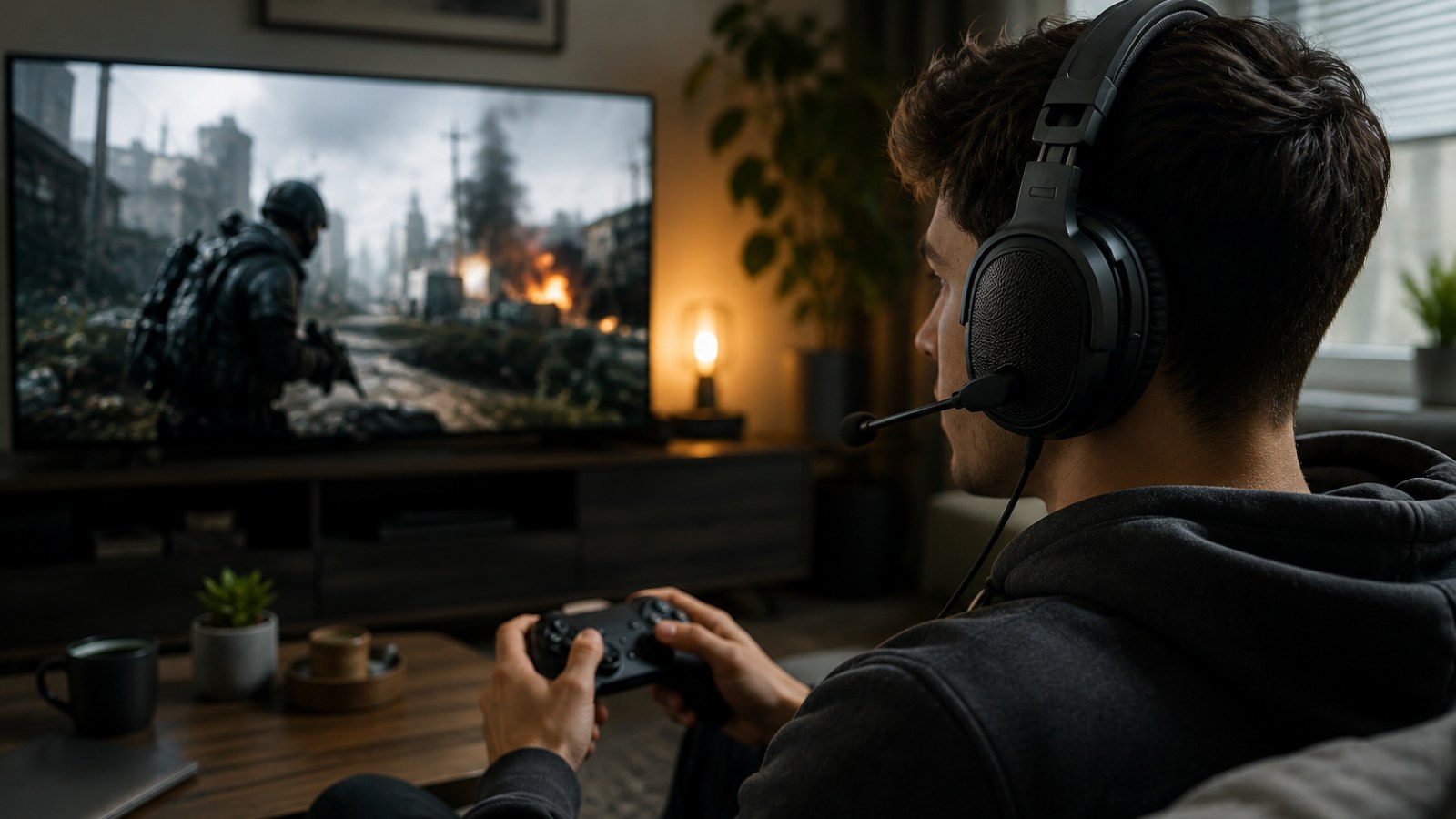
A gaming label does not automatically make a pair of headphones better for games. A well-designed headset can still make positional cues easier to read, simplify voice chat and stay comfortable during long sessions — but those benefits come from its design, not the branding.
Key takeaways
- Clear positional cues and separation are usually more useful than exaggerated bass.
- Good conventional headphones can perform as well as, or better than, gaming headsets in games.
- Virtual surround can be useful, but it does not automatically improve directional accuracy.
- The main advantage of a headset is convenience: headphones, microphone and controls in one package.
- Comfort, microphone quality, connection type and platform support deserve as much attention as sound.
Gaming headsets vs regular headphones
| Feature | Gaming headset | Regular headphones |
|---|---|---|
| Microphone | Usually integrated | Often absent |
| Positional audio | Depends on design and processing | Can be equally strong or better |
| Gaming controls | Common | Usually limited |
| Music use | Varies greatly by tuning | Wide choice of audio-focused designs |
| Convenience | One device for audio and chat | Separate microphone may be required |
What can a good gaming headset actually improve?
Useful information matters more than spectacular sound
In competitive games, audio often provides information about events outside your field of view. Footsteps, a reload, a door opening or a shot from another room can reveal where another player is before you see them. A useful headset makes those cues distinct instead of burying them under explosions, music and heavy low frequencies. This is why enormous bass is not necessarily an advantage in an FPS.
The priorities change in single-player games. A spacious presentation, convincing ambience, intelligible dialogue and satisfying low-end extension can contribute more to immersion than extremely prominent footsteps. There is therefore no universal gaming sound signature. A headset tuned for competitive shooters may not be the most enjoyable option for racing games, RPGs, films and music.
- Competitive shooters benefit from clear directional cues and separation.
- Story-driven games benefit from ambience, dialogue clarity and a convincing sense of space.
- Team games also make microphone usability an important part of the experience.
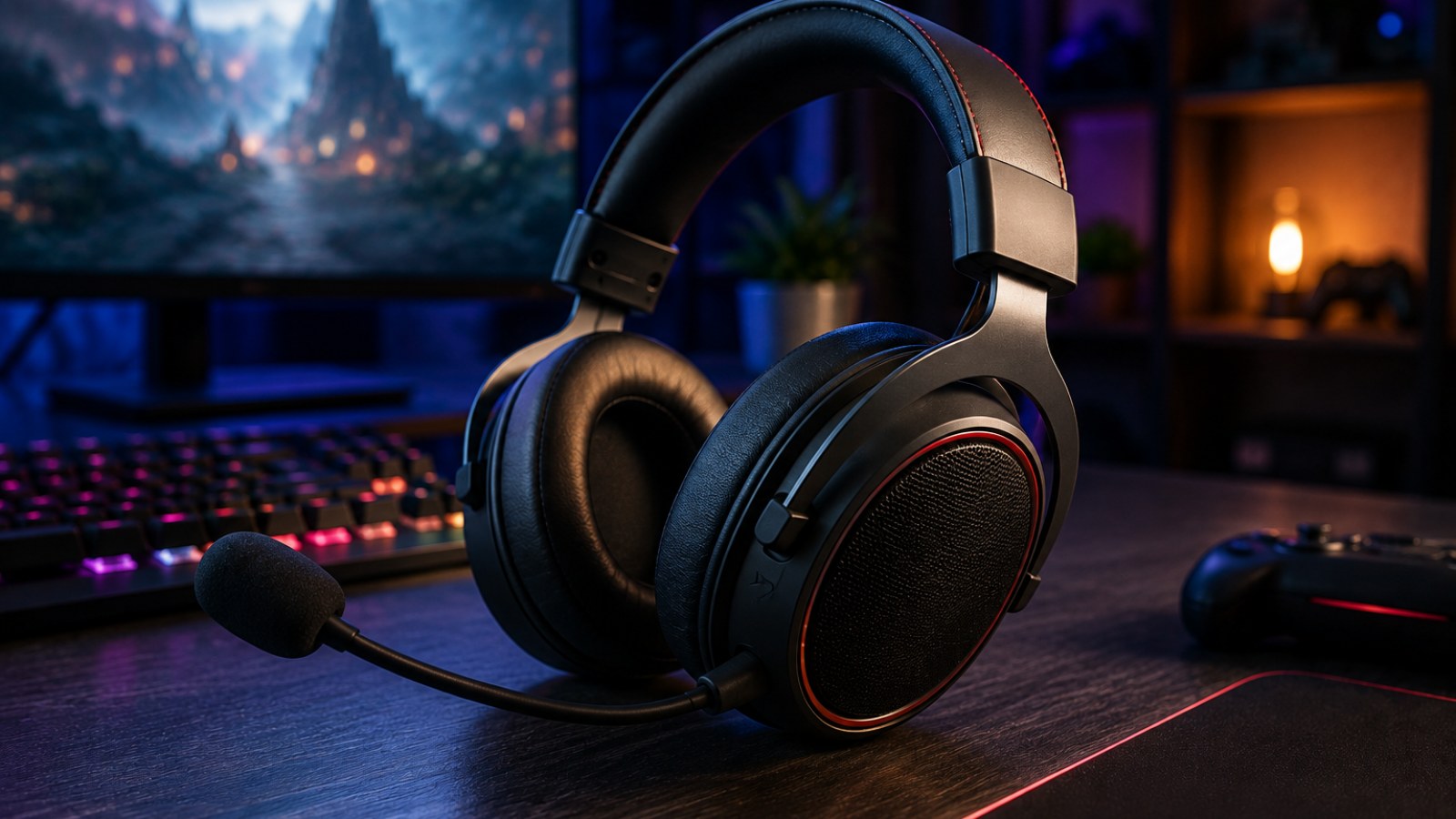
Gaming headset vs regular headphones: the differences that matter
A headset is an integrated solution, not a separate class of superior audio
A typical gaming headset combines over-ear headphones with a boom microphone and convenient controls. Depending on the model, that can include a mute switch, volume wheel, wireless USB receiver, equalizer software or optional spatial processing. The appeal is obvious: one device handles game audio and team communication without requiring a separate desktop microphone.
Traditional hi-fi and studio headphones are primarily designed around audio reproduction. Some provide excellent detail, imaging and a natural tonal balance, and they can be outstanding for gaming even without a gaming label. Their practical disadvantage is that many do not include a microphone. Adding a separate microphone can produce a very capable setup, but it adds another device, cable or stand.
It is also misleading to assume that a gaming model contains inherently superior drivers for locating opponents. Imaging depends on the complete acoustic design, fit, tuning and the audio engine used by the game. The word gaming alone tells you very little about those qualities.
- Gaming headset: integrated microphone and convenient controls.
- Regular headphones: a wider range of audio-focused designs and tunings.
- Headphones plus separate microphone: flexible, but less self-contained.
Do 7.1 and virtual surround really help?
Spatial processing is useful only when it makes cues easier to interpret
Headphones normally deliver audio to the left and right ears, while games and spatial-processing systems can manipulate the signal to create a three-dimensional impression. Timing, level and frequency differences help the listener perceive whether a sound appears to originate ahead, behind or to one side. When implemented well, this can create a convincing sense of space.
Problems arise when several processing systems are stacked together. A game may already offer a headphone, binaural or spatial mix. Adding another virtual-surround layer in headset software can alter tonal balance and make positional cues less precise. More processing is therefore not automatically better.
Test the options with a game you know well. Compare plain stereo or the game's native headphone mode against one spatial system at a time. Focus on whether you can identify a sound's direction quickly and consistently rather than which mode initially sounds larger or more dramatic.
- Start with stereo or the game's native headphone mode.
- Enable one spatial-processing system at a time.
- Avoid stacking multiple surround effects.
- Judge directional consistency rather than sheer spaciousness.
Microphone, comfort and wireless: the everyday differences
Features matter most when they solve a real problem
Comfort can determine whether an otherwise excellent headset is usable for several hours. Weight is only one factor. Clamp force, headband pressure, ear-pad depth, material and heat buildup all affect long sessions. Glasses can also change the seal and create pressure points, so fit should not be treated as a minor specification.
A gaming microphone does not need studio-level fidelity to be useful, but teammates should understand speech without constant repetition. Easy muting and a boom that can be positioned correctly are valuable. Noise suppression can reduce keyboard and fan sounds, although aggressive processing may make a voice less natural.
For wireless headsets, connection type matters. Bluetooth and dedicated wireless USB connections are not interchangeable in terms of latency, features and platform support. Anyone buying for a console should verify compatibility explicitly, including whether the microphone and software-dependent functions work on that platform.
- Prioritize fit if you regularly play for several hours.
- Check how quickly the microphone can be muted.
- Verify wireless connection type and platform compatibility before buying.
How to choose a gaming headset without buying the marketing
A practical pre-purchase and setup checklist
Start with your actual use. Competitive FPS players may prioritize imaging and separation, while someone who also listens to music may prefer a more balanced all-purpose tuning. Frequent voice-chat users should put microphone ergonomics higher on the list. Decide whether wireless freedom is worth more to you than the simplicity of a wired connection.
Once the headset arrives, test left and right channels, microphone input, controls and connection stability. Play familiar material before changing every software option. If an equalizer is available, begin with the default or neutral profile and make small adjustments after you understand what you want to change.
If positional audio sounds confusing, disable additional enhancements and test again. Make sure the operating system and game are using the intended playback and recording devices. This basic troubleshooting can reveal whether the problem comes from the headset, an incorrect device selection or unnecessary processing.
- Match the headset to your games and platform.
- Choose wired or wireless based on your setup.
- Treat comfort as a core requirement.
- Test stereo channels and microphone operation.
- Compare unprocessed audio with spatial modes.
- Do not choose solely because a box advertises 7.1 or numerous software features.
Gaming headsets make the most sense as convenient all-in-one tools. Their real advantages are integration, communication features and designs intended for long gaming sessions, not a magical ability to produce more accurate game audio. A good pair of regular headphones can be just as capable when paired with a suitable microphone. Choose according to imaging, clarity, comfort, microphone performance, connectivity and compatibility rather than the number of gaming features printed on the box.
FAQ
Do gaming headsets give you an advantage in FPS games?
A good headset can make footsteps and other directional cues easier to identify, but the gaming label itself provides no advantage. Imaging, separation and the game's own audio implementation matter more.
Is 7.1 better than stereo for gaming?
Not necessarily. Virtual surround can improve immersion, but stereo or a game's native headphone mode can sometimes provide cleaner and more predictable positional cues.
Can regular headphones be used for gaming?
Yes. Many conventional hi-fi and studio headphones work extremely well for gaming. A separate microphone can be added if voice communication is required.
What should I prioritize when buying a gaming headset?
Focus on comfort, positional clarity, overall tuning, microphone usability, connection type and platform compatibility before considering cosmetic features or surround labels.
ACC64 editorial article prepared from the cited materials and approved before publication.