
One side of your headphones is quieter? How to find out what is causing the imbalance
A quieter left or right channel does not automatically mean the driver has failed. Blocked earbud mesh, an incorrect balance setting, a damaged cable, a poor connection, wireless pairing or even the audio source can create the same symptom. A few controlled checks can usually tell you where the problem actually starts.
Key takeaways
- Test several recordings and another device before blaming the headphones.
- Blocked speaker mesh is a common reason an earbud sounds quieter and loses bass.
- Check left-right balance and disable audio enhancements during troubleshooting.
- For wired headphones, inspect the plug, cable and adapters; for wireless models, check charging and pairing.
- A fault becomes more likely when the same physical earpiece stays quieter across multiple devices.
Quick headphone imbalance checklist
| Symptom | Possible cause | What to check |
|---|---|---|
| One side is quieter and has less bass | Blocked grille or poor seal | Mesh, ear tip and fit |
| Problem occurs on only one device | Source or software setting | L/R balance, effects, output |
| Sound changes when the cable moves | Cable or connector fault | Plug, cable and adapters |
| One TWS earbud behaves differently | Charging, pairing or hardware | Battery, contacts and reset |
| The same ear always sounds quieter | Cause may not be the headset | Swap sides and try another headset |
Confirm that the imbalance is really coming from the headphones
Stereo content can make a healthy headset sound uneven
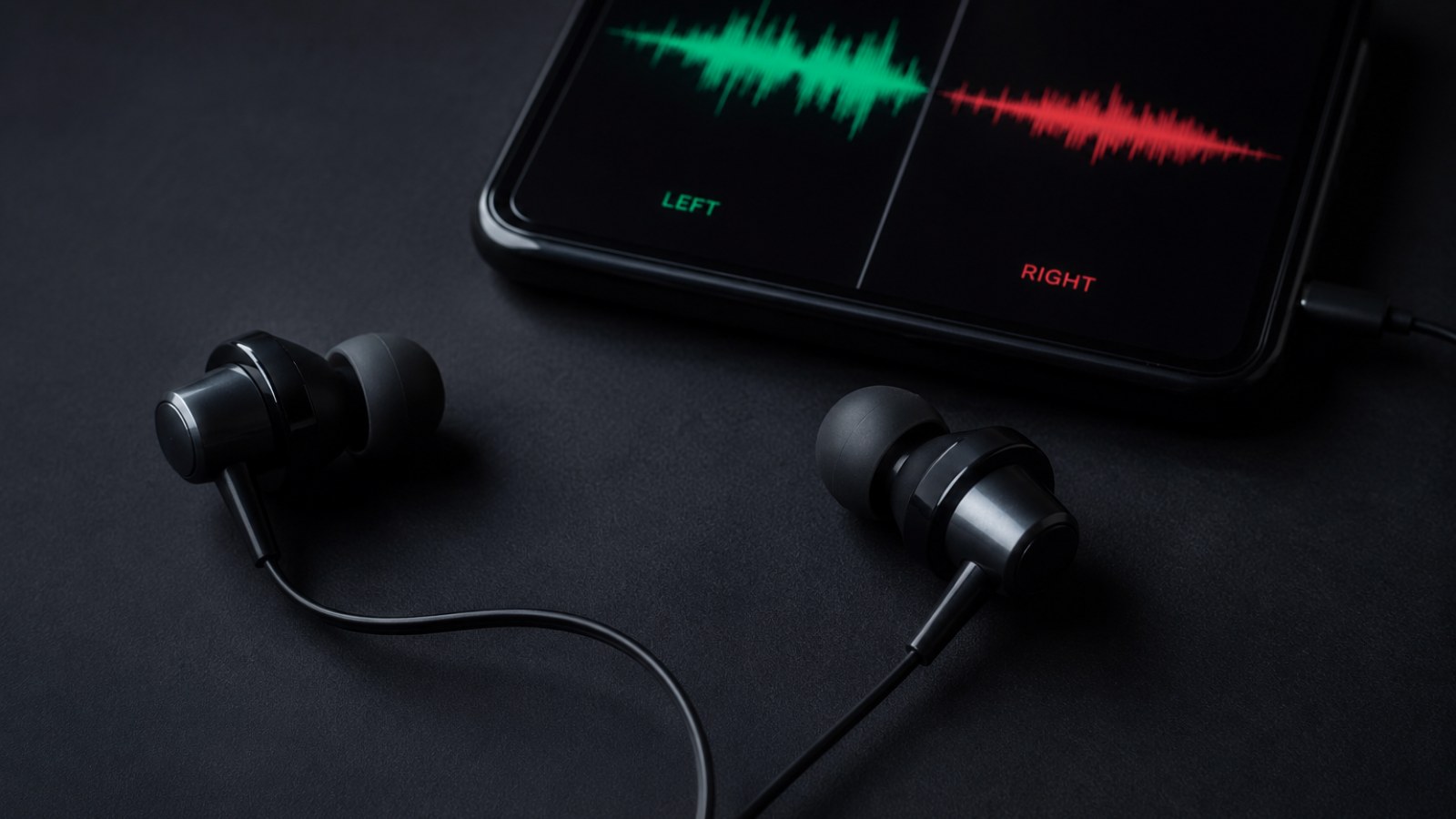
Music is rarely identical in the left and right channels. Instruments, ambience and effects may intentionally sit to one side of the stereo image, while games and films continuously move sounds between channels. That means a single song or scene is a poor diagnostic test. Try several familiar recordings and, ideally, a simple left-right channel test with clearly centered material.
If the design allows it, swap the physical earpieces between your ears. When the quiet sound follows the same earpiece, the headset or its connection becomes the main suspect. If the same ear still seems quieter after the swap, the result points away from a simple left- or right-driver fault.
Next, connect the headphones to another compatible phone, computer, console or audio source. If both channels become equal there, investigate the original device rather than replacing the headphones. Output settings, software processing, a damaged socket or an adapter can all create channel imbalance.
- Use more than one recording.
- Run a left-right stereo channel test.
- Swap earpieces between ears when practical.
- Try a second playback device.
A blocked earbud grille can make one side dramatically quieter
Small acoustic openings are easy to obstruct
In-ear and true wireless earbuds have tiny sound outlets. Dust, skin debris or earwax on the protective mesh can restrict that outlet enough to reduce apparent volume. The affected side may also lose bass or sound distant and thin. Because the change can happen gradually, it is easy to assume that the electronics are wearing out.
Remove detachable ear tips if the manufacturer allows it and inspect the sound outlet under good lighting. Clean only with methods suitable for that model. Avoid pushing debris through the grille and do not insert sharp objects into the acoustic opening, as the protective mesh or components underneath can be damaged.
Fit matters as well. An ear tip that no longer seals properly can produce a large bass difference even when both drivers output the same signal. Check that the tips are correctly installed, are the appropriate size and that each earbud sits consistently in the ear. On over-ear models, inspect pads and their seating because a poor seal can also change perceived bass and loudness.
- Inspect the sound outlet in bright light.
- Check removable tips and ear pads.
- Clean only with a method appropriate for the product.
Check left-right balance before changing hardware
Software can imitate a failed channel
Many operating systems provide separate left and right channel controls, sometimes under accessibility or device properties. If the balance has been moved accidentally, every track may sound consistently biased to one side. Verify that both channels use equal levels. Also look for hearing-related accessibility settings that intentionally alter stereo output.
Temporarily disable equalizers, spatial audio, virtual surround, manufacturer sound profiles and other enhancements. These features are useful in normal use but add variables during diagnosis. If the problem exists in only one game, music player or communication app, inspect that application's mixer and output settings before assuming the headset is defective.
A clean diagnostic setup is simple: equal channel balance, neutral EQ, no optional processing and a known output device. If the imbalance remains under those conditions and follows the headphones to another source, software becomes a much less likely explanation.
- Set left and right levels equally.
- Temporarily disable EQ and spatial effects.
- Compare several applications.
- Confirm the correct output device.
Wired headphones: test the plug, cable and adapters
An imperfect electrical connection can affect one channel
With analog headphones, the connector carries separate audio channels through different contacts. A plug that is not fully inserted, contamination in the socket, an incompatible adapter or a damaged conductor can therefore affect one side without completely stopping playback. Disconnect and firmly reconnect the plug, then test again.
If you use an extension cable, splitter, USB audio adapter or another intermediate accessory, remove it temporarily. Connecting the headphones directly to another compatible output is a fast way to isolate these components. A problem that disappears without the adapter is valuable evidence even if the headphones themselves appeared to be at fault.
Listen for changes while gently repositioning the cable near the plug and ear cups. A channel that cuts in, becomes louder or crackles depending on cable position strongly suggests an intermittent connection. Do not repeatedly bend a suspected damaged cable. Headphones with detachable cables are easier to isolate because the cable can often be reseated or tested with an approved compatible replacement.
- Fully insert the connector.
- Temporarily remove splitters and adapters.
- Test another socket or device.
- Check whether gentle cable movement changes the symptom.
Wireless earbuds need a different set of checks
Battery, charging contacts and pairing can matter
True wireless earbuds contain separate electronics and batteries in each earpiece. Confirm that both sides are charging correctly rather than assuming that placing them in the case guarantees a full charge. Dirty or poorly contacting charging points can prevent one earbud from charging as expected. Inspect and clean accessible contacts carefully according to the manufacturer's instructions.
Forget the headphones in the Bluetooth settings and pair them again. If the manufacturer provides a reset procedure, it can also be useful when the imbalance appeared after a connection or synchronization problem. Reset instructions vary considerably, so use the procedure intended for the exact model rather than a generic button sequence.
Check the companion app as well. EQ, hearing personalization or channel-related settings may be stored there. If the same earpiece remains quieter on multiple phones after cleaning, re-pairing and resetting, a physical or electronic fault becomes more plausible.
- Charge both earbuds and the case.
- Inspect the charging contacts.
- Remove and recreate the Bluetooth pairing.
- Use the manufacturer's reset procedure if needed.
When is a hardware fault the likely explanation?
Look for a symptom that survives every controlled test
A hardware problem becomes increasingly likely when the same physical side stays quieter with different recordings, applications and source devices, while balance settings are equal and the acoustic path is clean. With wired headphones, sensitivity to cable position adds evidence of a cable or connector fault. With wireless earbuds, persistence after a proper reset and re-pairing makes a temporary connection problem less likely.
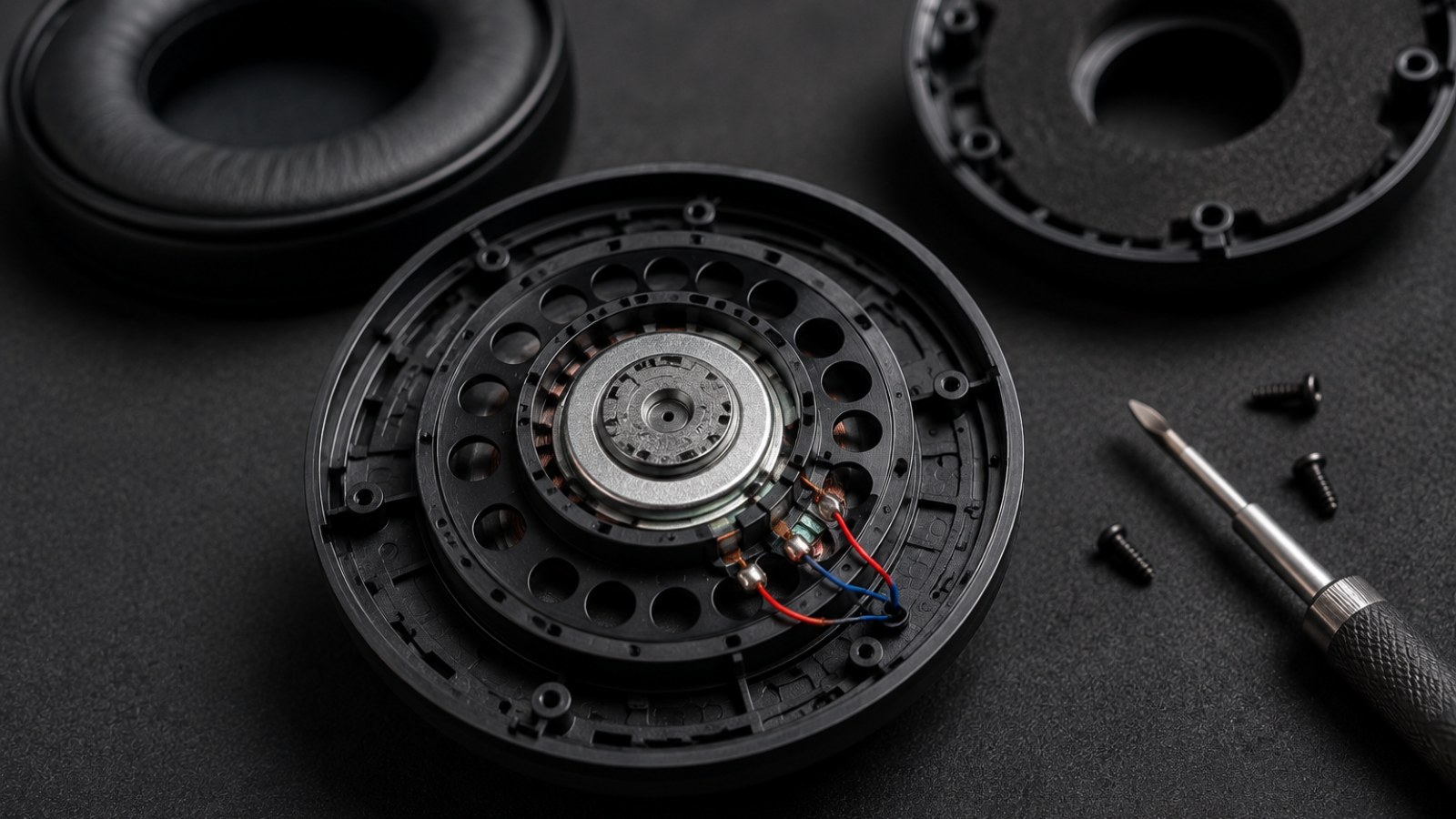
Avoid opening expensive or warranty-covered headphones simply to confirm a suspicion. Drivers, internal wires, batteries and seals can be delicate, and disassembly may create additional damage. Once basic external checks have isolated the problem to the headset, warranty service or professional repair is usually the safer next step.
Finally, notice whether the difference follows the headphone or your ear. If multiple unrelated headsets seem quieter in the same ear even after swapping sides, increasing one channel aggressively is not a good diagnostic solution. That pattern no longer behaves like a straightforward fault in one specific pair of headphones.
- The same earpiece is quieter on several devices.
- Different apps and recordings produce the same result.
- Cleaning and balance correction do not help.
- Wireless reset or a change of source makes no difference.
Do not replace a headset simply because one side sounds quieter. Start with controlled comparisons: multiple recordings, a second source device, equal channel balance and a clean sound outlet. Then isolate the cable and adapters on wired models or charging, pairing and reset behavior on wireless earbuds. If the same physical earpiece remains quieter after all of those checks, a hardware fault is a much stronger explanation.
FAQ
Why did one earbud suddenly become quieter?
Possible causes include a blocked speaker mesh, changed balance settings, a connection or cable problem, incorrect charging or pairing on wireless earbuds, or an actual hardware fault.
Can earwax really make an earbud much quieter?
Yes. A small acoustic outlet can be significantly restricted by debris, reducing volume and bass. Clean the product only with a method recommended or suitable for its construction.
How do I tell whether the headphones or my phone are responsible?
Test the headphones with several recordings on another compatible device. If the imbalance disappears, investigate the original phone or computer's settings, output and accessories.
Can resetting Bluetooth earbuds fix uneven volume?
It can if pairing, synchronization or stored settings are involved. Use the reset procedure specified by the manufacturer for your exact model.
ACC64 editorial article prepared from the cited materials and approved before publication.