
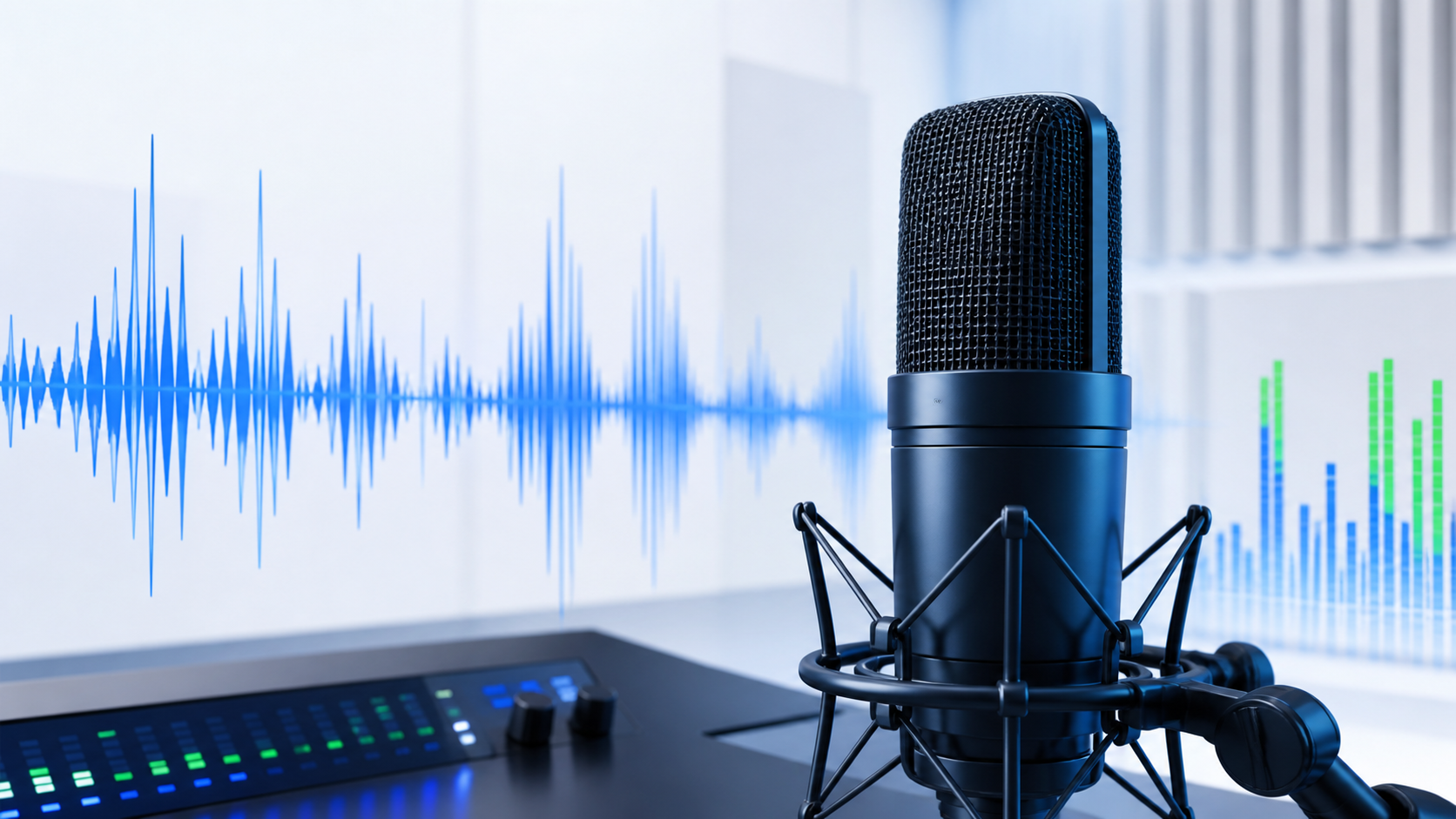
What should you check before a call?
First make sure the correct input device is selected. Speak at a normal level and confirm that the meter responds consistently instead of showing no signal.
How to run a microphone test
Allow browser microphone access, select the intended input, and start the test. Speak quietly, normally, and a little louder. If a short recording is available, listen back with headphones.
Noise, crackles and low level
Noise can come from the room, gain settings, the connection, or the device itself. Crackles are worth checking with another port or cable. A very low level may require input-level adjustment in the operating system.
Permissions and privacy
Browsers require permission before a website can access your microphone. After testing, you can remove that site permission in browser settings if you do not want it retained.
If the result looks suspicious, reconnect the device and repeat the test. A browser test can reveal a symptom, but confirming it in another app or computer helps narrow down the cause.
Frequently asked questions
Does the test require installation?
No. ACC64 runs in a compatible browser without installing extra software.
Does a failed test always mean hardware is broken?
Not always. Repeat the test, check the connection and system settings, and if possible compare on another device or computer.